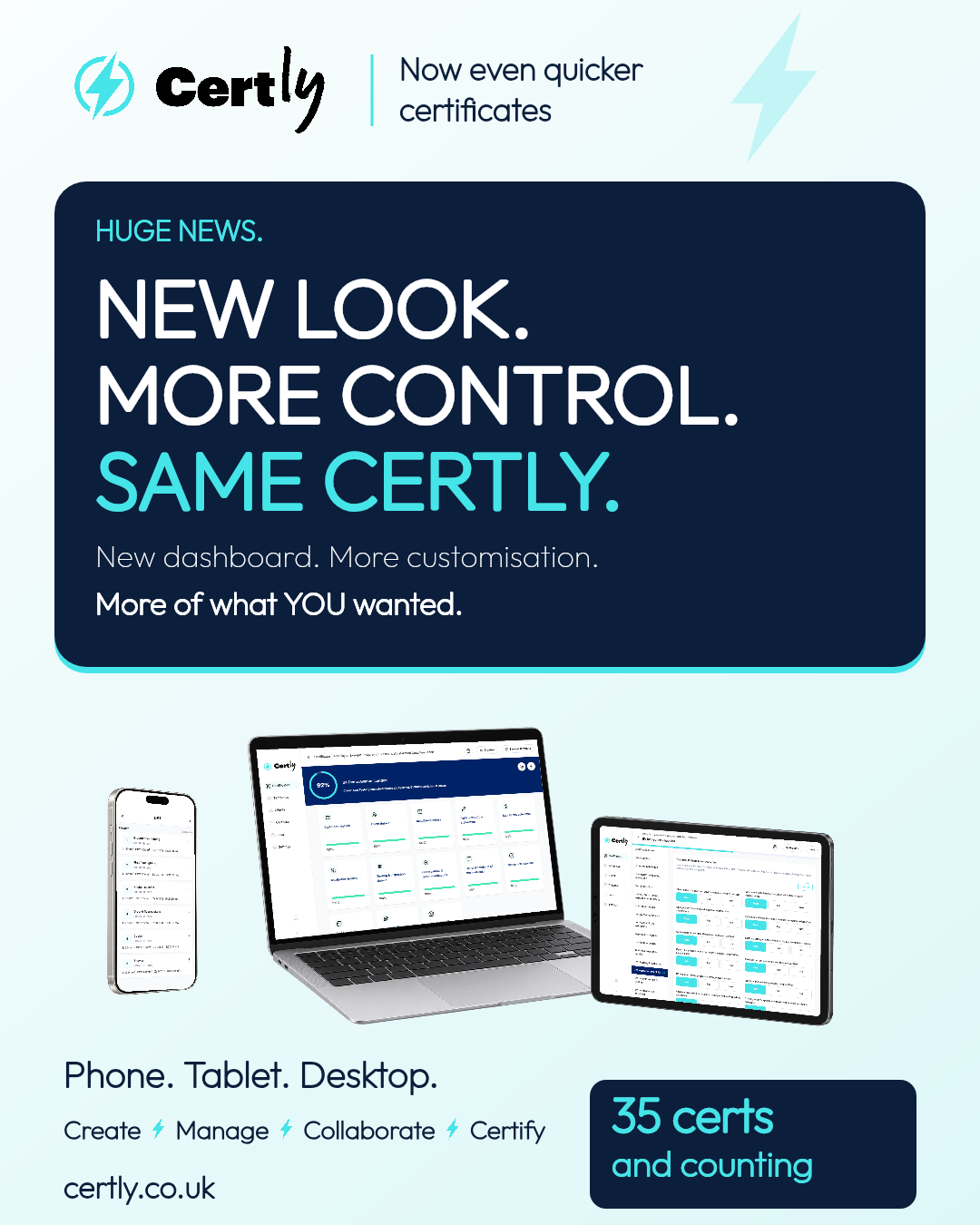
Certly has a new look—and more ways to make your workspace your own. Explore the refreshed electrical certification software on your phone, tablet or desktop, with a new dashboard, more certificate presentation options and clearer ways to find the work that needs your attention.
Whether you are completing an Electrical Installation Condition Report (EICR), an Electrical Installation Certificate (EIC) or a Minor Electrical Installation Works Certificate, the aim is the same: spend less time finding your way around your software and more time getting the job done.
A fresh look for everyday electrical certification
The refreshed interface brings certificates, clients, calendar and jobs together in one workspace. Clearer navigation makes it easier to move between the information you use throughout the day, from picking up an incomplete certificate to finding a client’s details.
We want Certly to be simple electrical certification software that fits around the way you work. A clearer workspace supports that goal, whether you are on site with your phone or finishing paperwork on a bigger screen.
A dashboard that works around your priorities
Your dashboard helps you see what needs attention and return to unfinished certificates. You can customise the dashboard widgets and their layout to suit your priorities, rather than working around a single fixed view.
Inspection views bring together dates due within 30 or 90 days, alongside overdue inspections. These views use the next inspection dates recorded on your completed certificates, so keeping that information accurate helps you make the most of them.
More ways to view and find your certificates
A growing certificate list should still be easy to navigate. Search by address, client, reference or engineer, then narrow the results by certificate type, status, client or next inspection date. See completion progress and switch between current, archived and deleted certificates.
For electricians managing EICRs, installation certificates and minor works across different customers, these controls help you focus on the certificates you need next.
Four certificate styles. Your choice.
Certificate presentation matters too. Choose from Traditional, Modern, Minimal or Signature and preview an example PDF before saving your defaults. Find these options in Settings → Certificate Settings → Branding.
These are presentation styles: choose the look that suits your business while continuing to complete the relevant inspection, test and certificate information for the job.
35 certs and counting
Certly brings together 35 certificates and forms across electrical, solar, EV, fire, emergency lighting, PAT and Part F ventilation work. Explore the Certly certificate range to find the paperwork for your next job.
Phone, tablet and desktop
Your working day does not happen at one desk. Certly gives you a workspace you can use on your phone, tablet or desktop, so you can choose the device that suits the task. Use a mobile device while working on site, then take advantage of a larger screen when that is more convenient.
More of what you asked for
We are constantly developing Certly and listening to the people using it. This update brings a refreshed workspace, a more personal dashboard and more flexibility in how you find and present your certificates.
Already have an account? Log in and explore Certly. If you need help finding a setting, contact the Certly team and speak to a real person.