When you’re moving between electrical inspections, installations and customer appointments, it helps to have a clear starting point. Certly’s new dashboard brings useful information and everyday shortcuts into your workspace, so you can see what needs doing and get straight to it.
Whether you’re preparing an EICR, an Electrical Installation Certificate or a Minor Works certificate, the aim is straightforward: spend less time looking for your work and more time getting it done.
A dashboard you can make your own
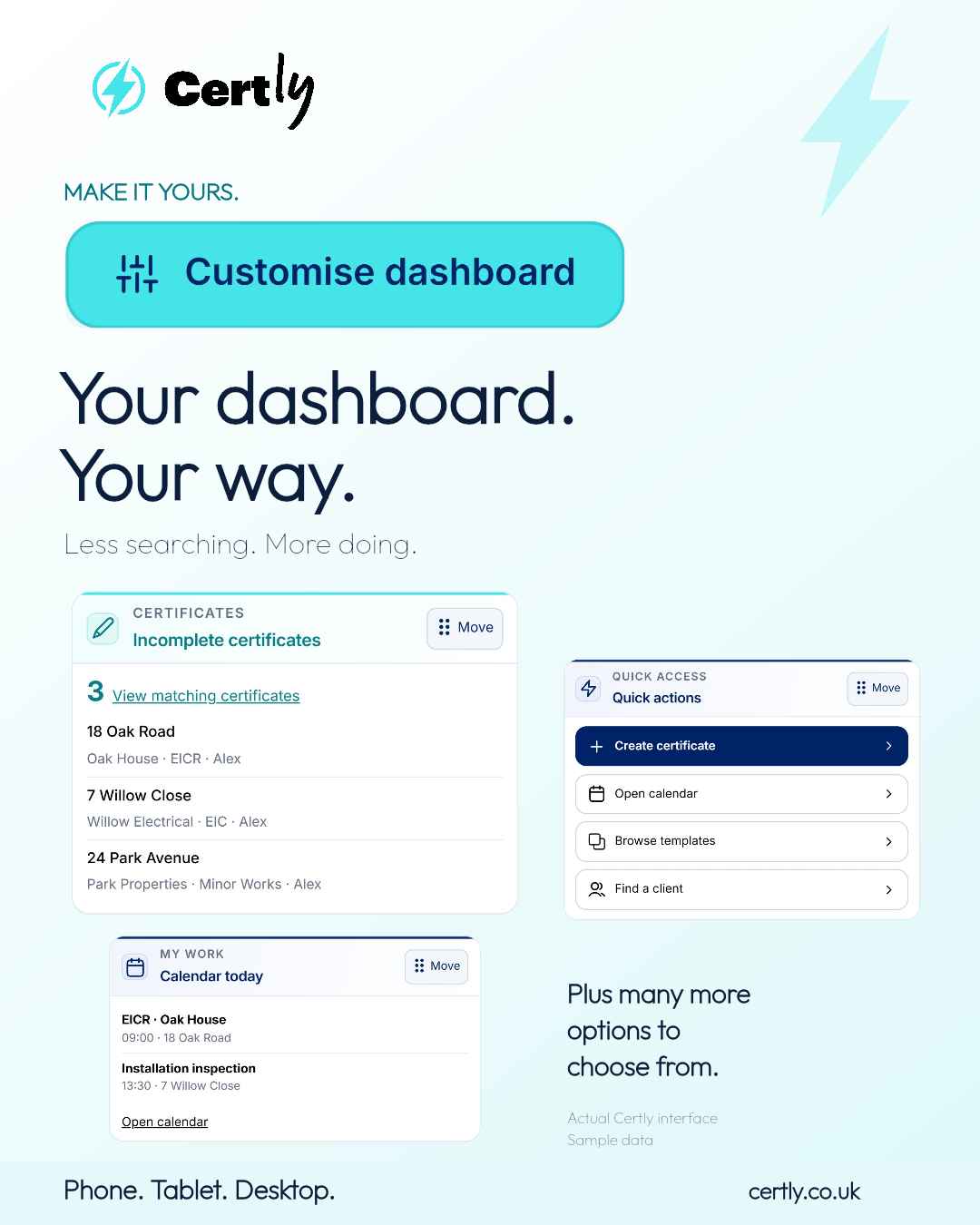
Start with Customise dashboard. Choose from the widgets available to your role, arrange your cards and change their width to suit the way you work. You can swap cards with the Move handle or use the ordering controls.

Essential widgets remain visible, and available options depend on your company’s dashboard settings and permissions. Your personal layout is saved in the browser you’re using, so it is worth arranging it on each device you use regularly.
Choose from a wide range of dashboard options
Build a view that suits your day, rather than keeping the same cards as everyone else. The available widgets cover:
- Certificate progress and information: incomplete and completed certificates, recent updates, items needing attention, certificates awaiting QS approval and items returned by QS.
- Inspection planning: recorded inspections due within 30 or 90 days, overdue inspection dates and your chosen renewal reminders.
- Calendar and jobs: today’s diary, jobs today, upcoming jobs and overdue work.
- Team and company: team workload, jobs awaiting assignment, and company and account setup.
- Quick access and support: shortcuts to certificates, calendars, templates and clients, plus help and guidance.
What you can choose depends on your role, permissions and company settings. You can select the available widgets, rearrange them and use standard or wide cards. Essential widgets remain visible.
Three examples—not the whole dashboard
The cards below are examples of the options available. Mix them with other widgets to suit your own priorities.
Pick up incomplete electrical certificates
The Incomplete certificates card puts unfinished work in view. See the number of certificates still being prepared and a short list showing the installation address, client, certificate type and engineer.
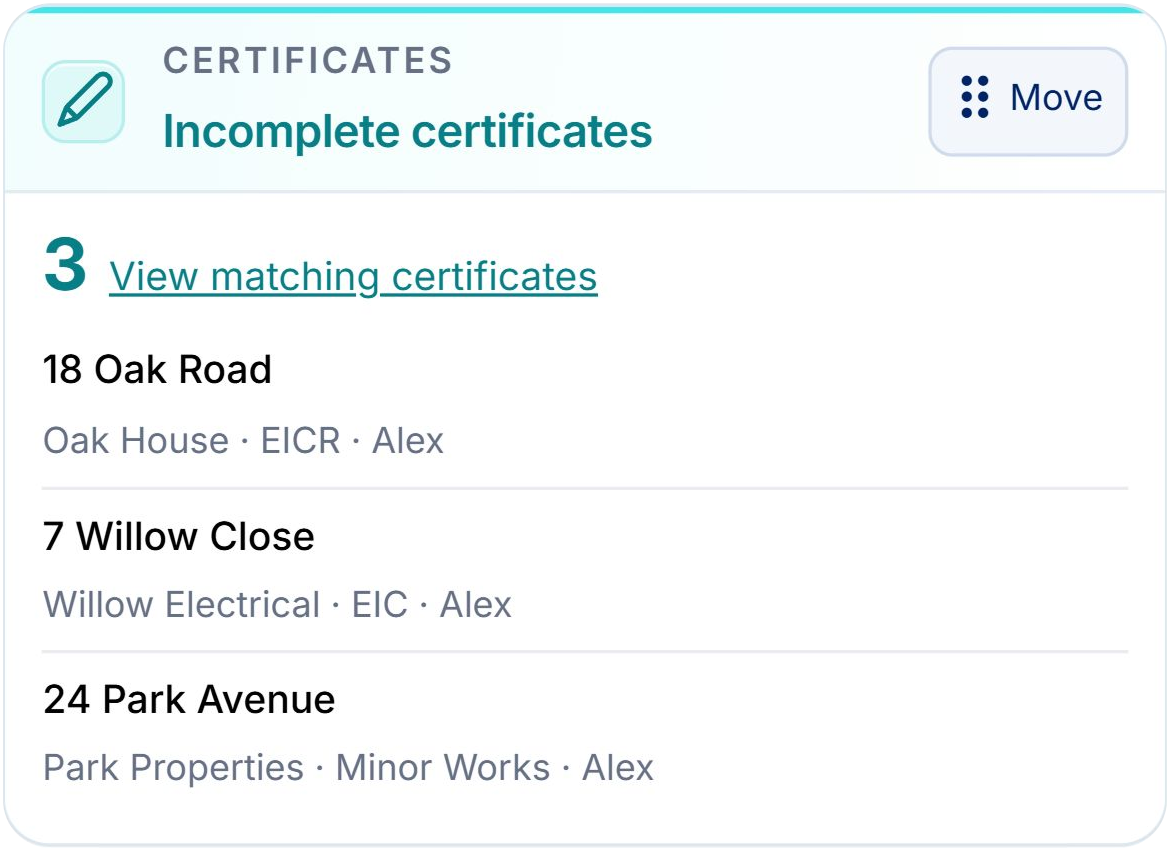
Open a listed certificate to continue working, or choose View matching certificates to see the filtered list. It gives electricians and electrical contractors a practical route back into EICR reports, EICs and other unfinished certificates without searching through the full certificate list first.
See today’s calendar at a glance
Calendar today shows today’s diary entries, including their start times and locations where recorded. Open the calendar directly when you need the wider picture.
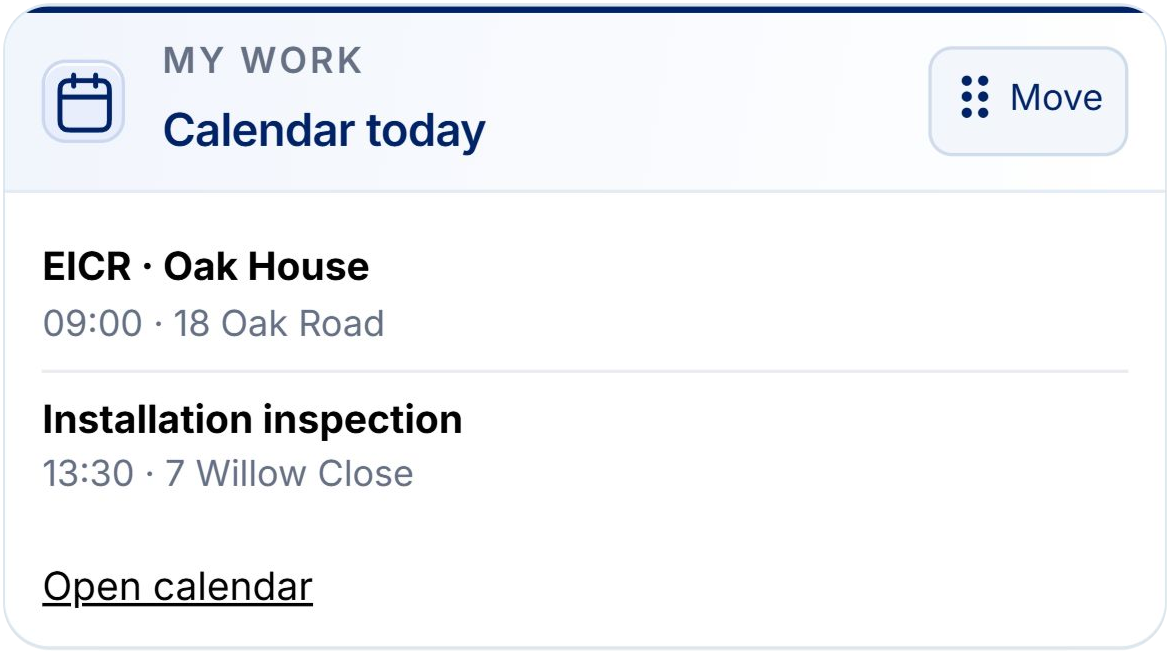
A clear view of your diary helps you plan around electrical testing, site visits and installation work. This card shows recorded calendar events; it does not create appointments or assign work for you.
Get straight to everyday tasks
The Quick actions card gives you direct routes to useful pages: create a certificate, open the calendar, browse templates and find a client. The actions you see reflect your account’s role.
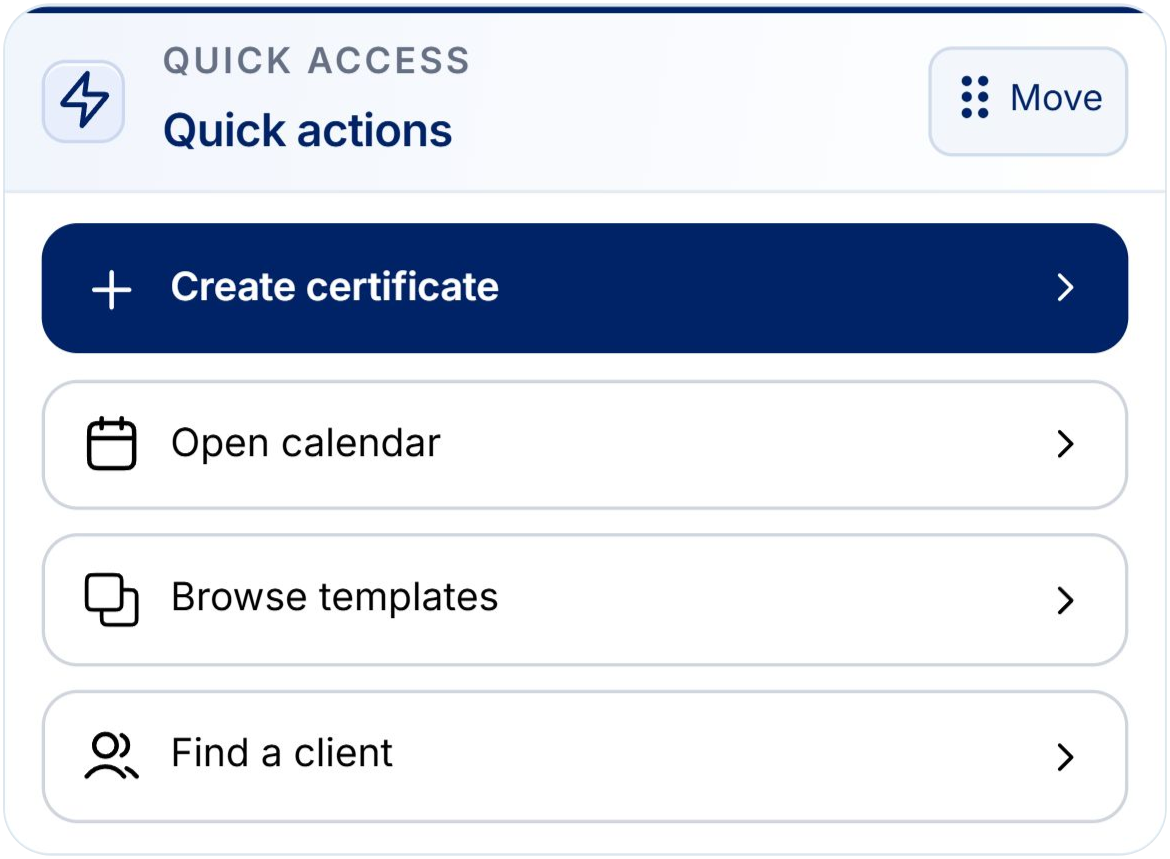
These shortcuts help keep common tasks close to hand, whether you’re using Certly on a phone, tablet or desktop. Choose the cards that are useful to you and keep your own starting point focused.
Set up your Certly dashboard
- Log in to app.certly.co.uk and open your dashboard.
- Select Customise dashboard.
- Choose and arrange your available widgets, then select Done.
You can change the layout again as your priorities change. If you need help, contact team@certly.co.uk and speak to a real person.
Your dashboard. Your way. Less searching. More doing.