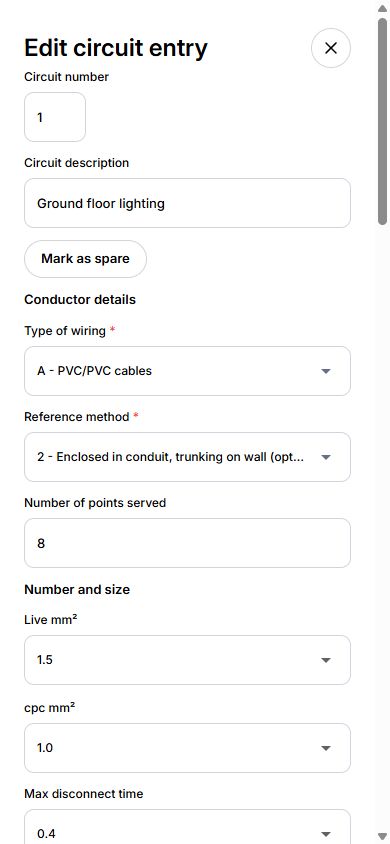
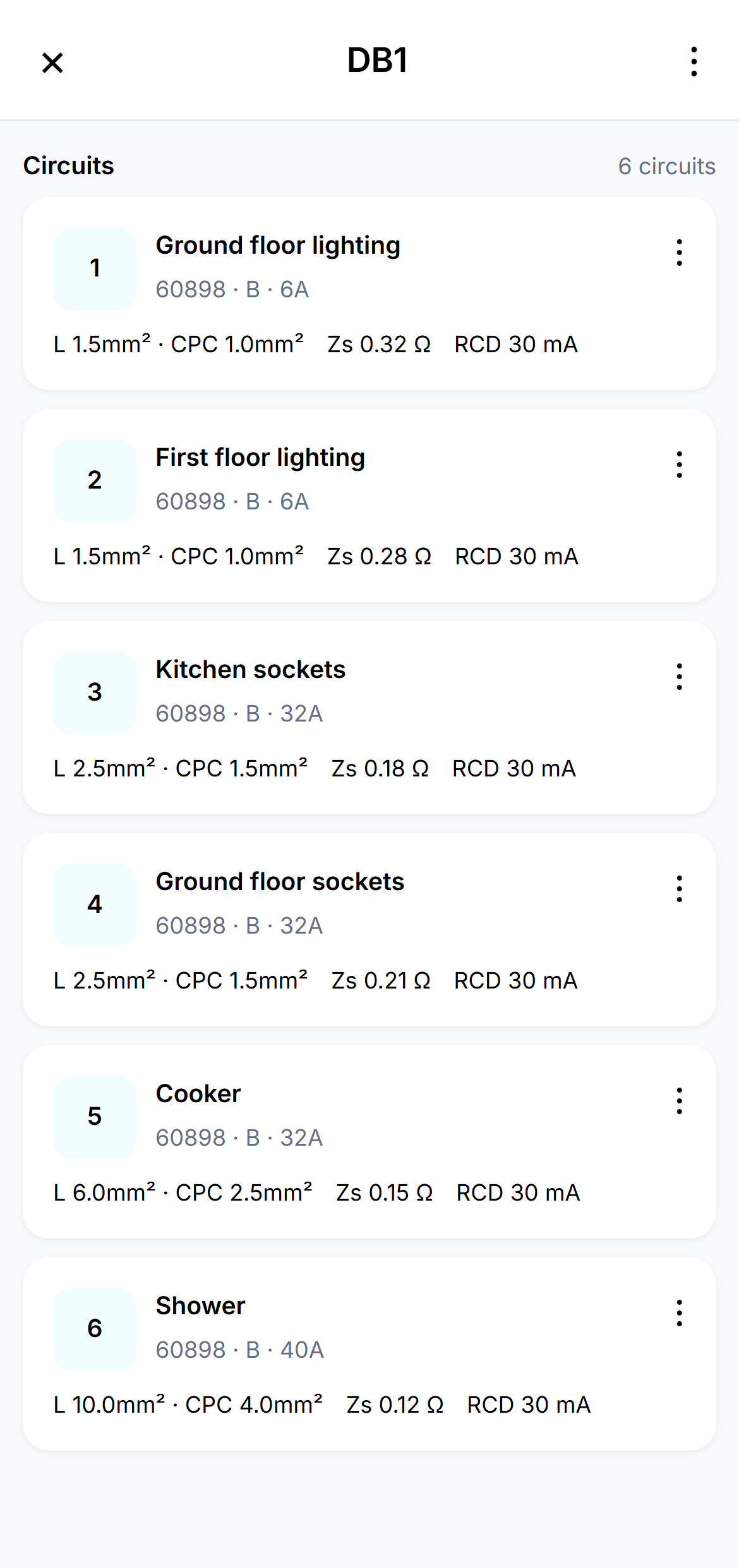
Fed up of clicking into each box? Open the circuit-entry tray from your distribution board and work through the circuit details and readings in one place.
Real Certly app view · sample data ↗ EnlargeReal Certly app view · sample data ↗ Enlarge
Save your usual circuit setups. Apply a saved circuit template to reuse configuration without replacing the circuit identity or measured results.
One similar circuit—or several. Duplicate a circuit once or create multiple named copies, then check and update each circuit’s details and readings.
Keep the board organised. Reorder circuits and use the existing Copy a DB workflow where you need to reuse a board.
BUILT FOR ENTERING THE WORK
A place for every detail.
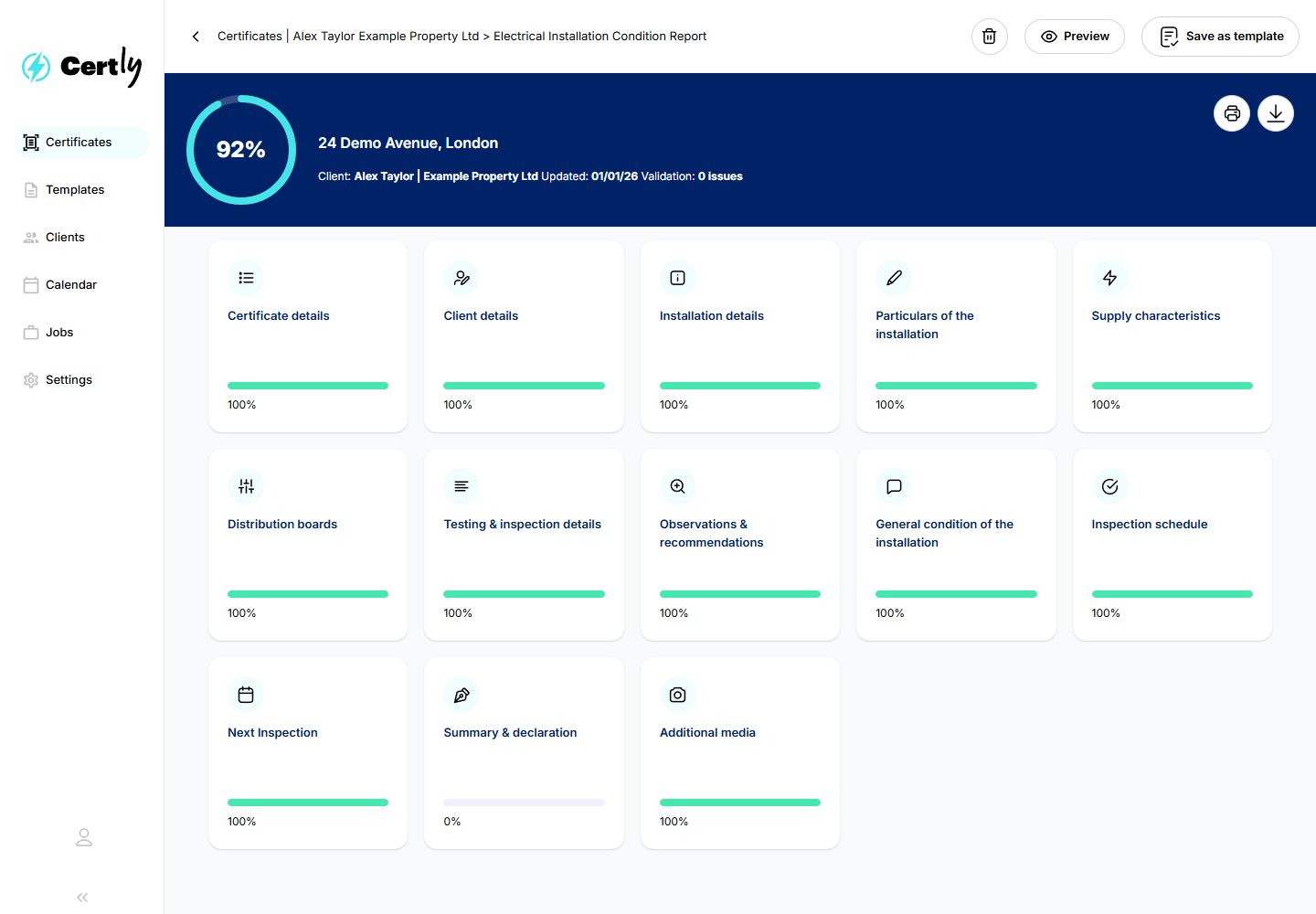
Work through client details, the installation, distribution boards, observations and the other sections of your certificate. Open the part you need, see its progress and pick up where there is still work to do.
Your working screen is organised around the information you’re entering. Preview the finished certificate separately when you want to see the report.
Real Certly app view · sample data ↗ EnlargeReal Certly app view · sample data ↗ Enlarge
CERTIFICATE COPYING
Copy the certificate. Make it right for the next property.
Less retyping from one flat to the next. Duplicate an existing certificate into a separate draft for another address, then focus on the details and results for the new property.
Working through similar flats in the same block? Use an existing certificate as the starting point for the next address, then check and update it for that property.
CopyChoose the client and next installation address. Review the duplicate before creating it.
Check and updateEnter the new readings, check every retained detail and record the findings for this property.
CompleteFinish the new certificate and its required review and signing steps.
A separate draft, with no template needed. Readings can be left blank or optionally copied for checking. Signatures, approvals, dates, observations and photos reset for the new work.
Finish certificates quicker
Faster observations
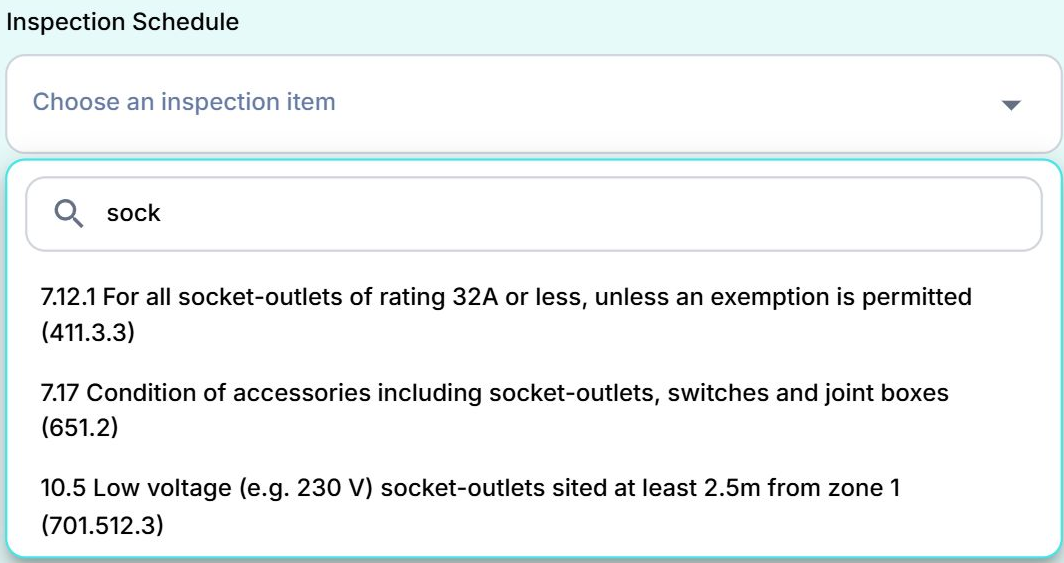
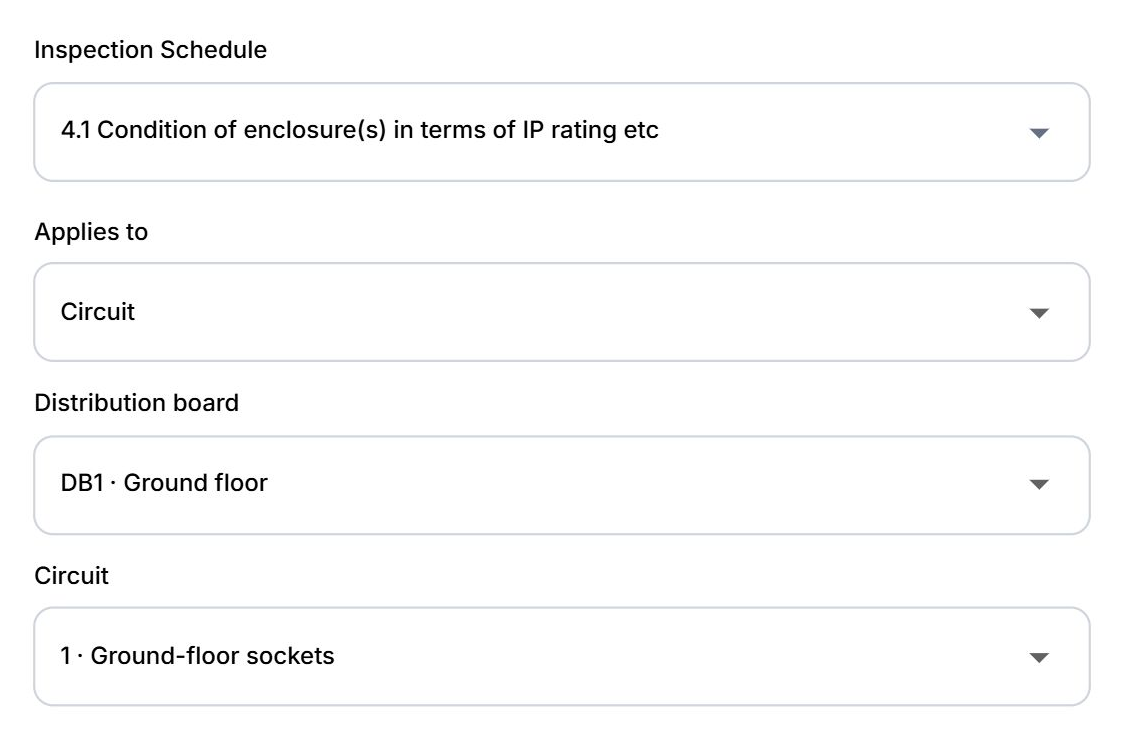
Start typing to find the inspection item. Link observations to the installation, board or circuit, with classifications, locations and photographs together.
Real Certly app view · sample data ↗ EnlargeReal Certly app view · sample data ↗ Enlarge
Finish certificates quicker
Know where every cert stands
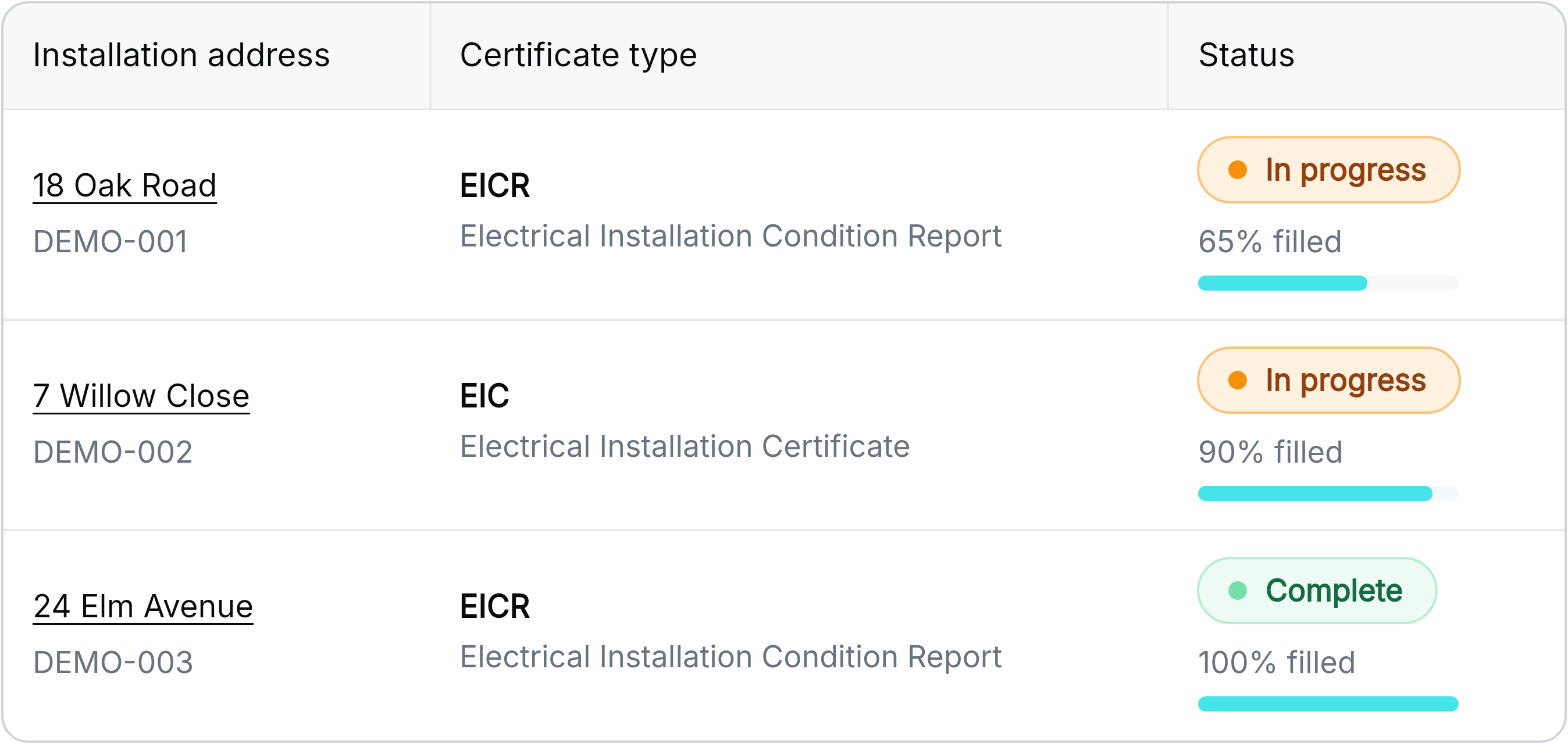
See completion percentages alongside certificate status. Search, filter and sort to find the work that needs your attention.
Progress shows recorded completion; it is not a safety assessment or QS approval.
Real Certly app view · sample data ↗ Enlarge
Make the move
Bring your address book
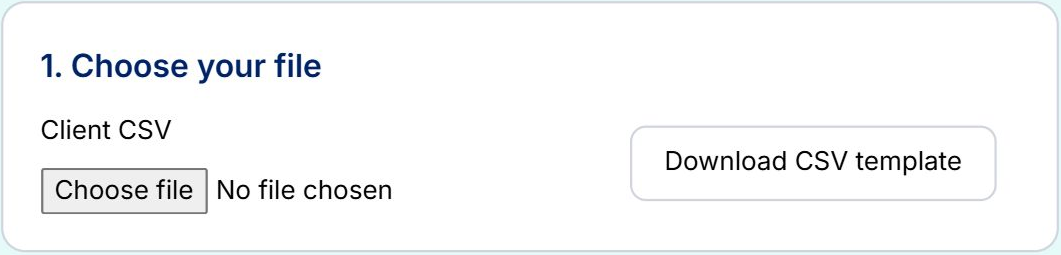
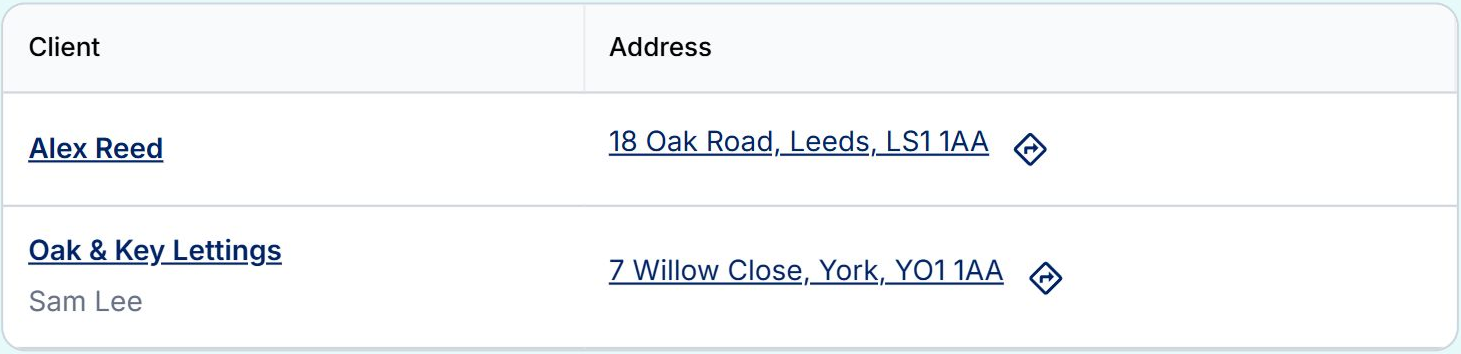
Choose your CSV, match its columns, preview your records and import clients and addresses with less copying and retyping.
Choose your CSV or start with the template.
Match columns to Certly fields.
Preview, import and find your records in Clients.
Real Certly app view · sample data ↗ EnlargeReal Certly app view · sample data ↗ Enlarge
BRING YOUR TEAM TOGETHER
Your team. Your way of working.
Get colleagues set up with the right licences, permissions and shared templates.
Organise your team
Get your team set up
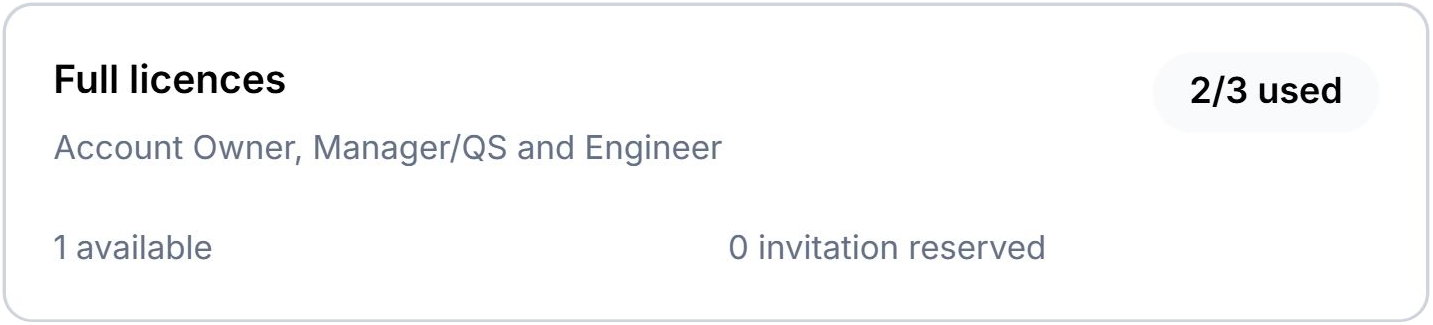
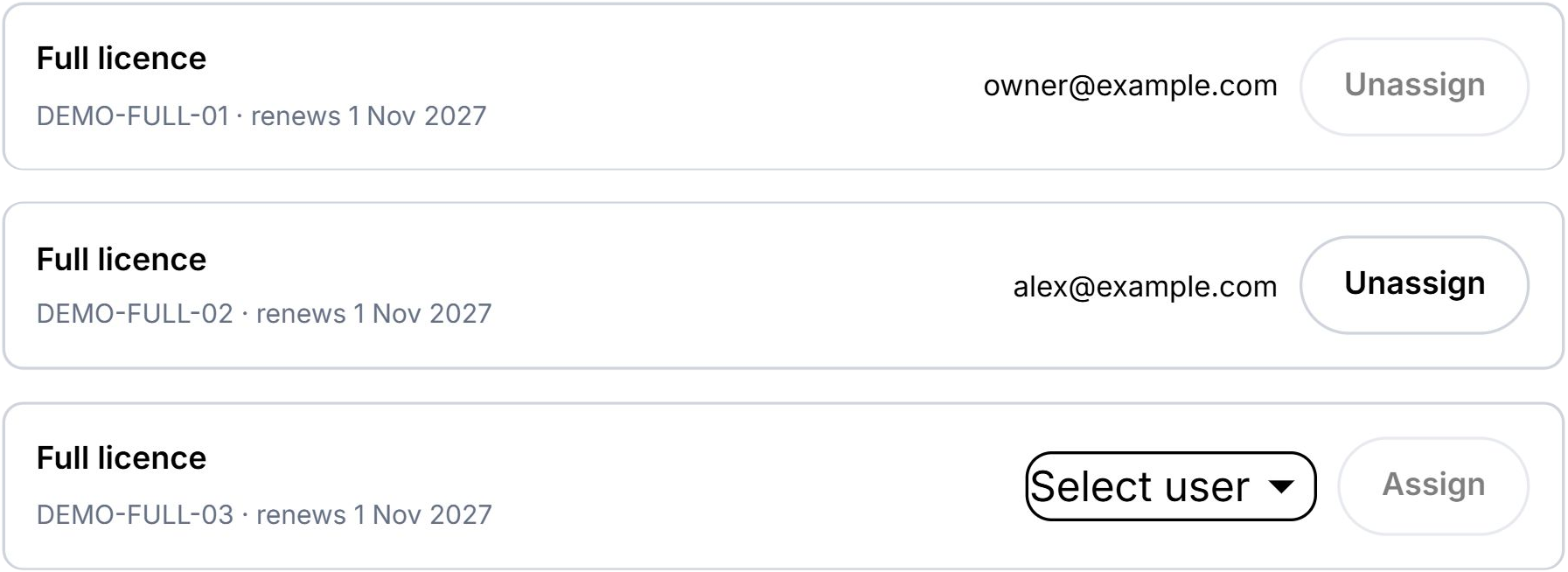
Manage Full and Office licences, invite colleagues and allocate available seats as your team changes.
Real Certly app view · sample data ↗ EnlargeReal Certly app view · sample data ↗ Enlarge
Organise your team
Choose what your team can see and do
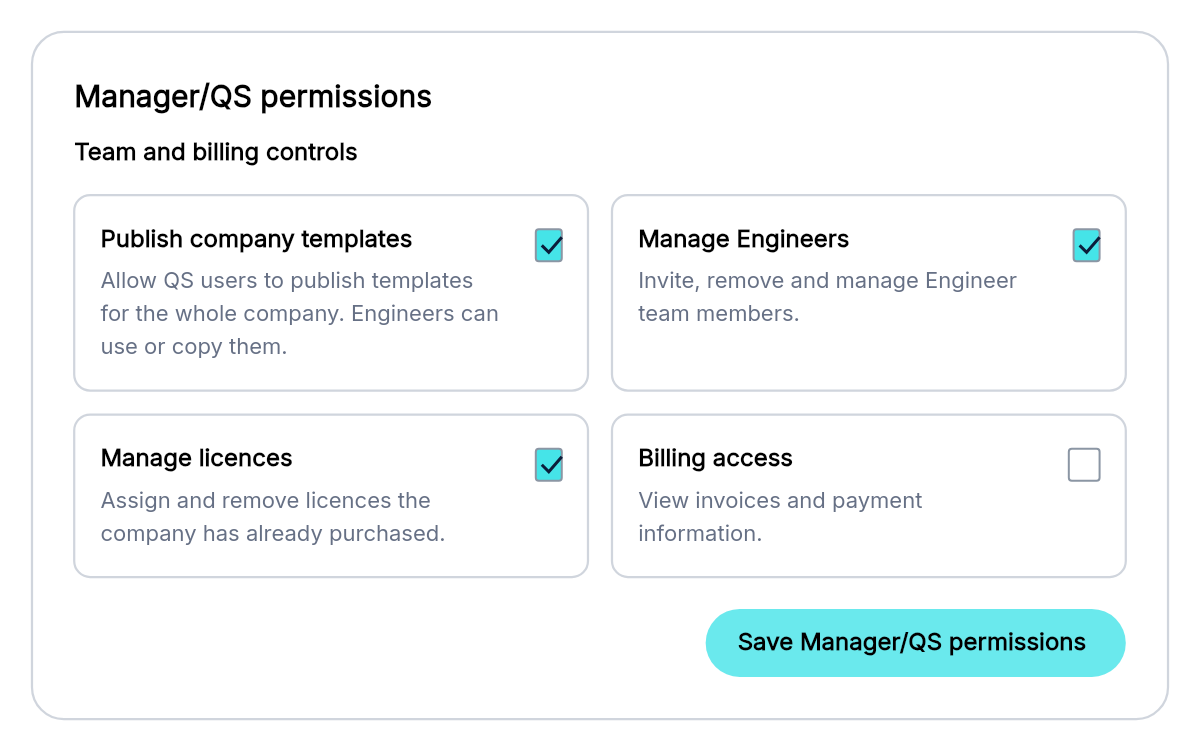
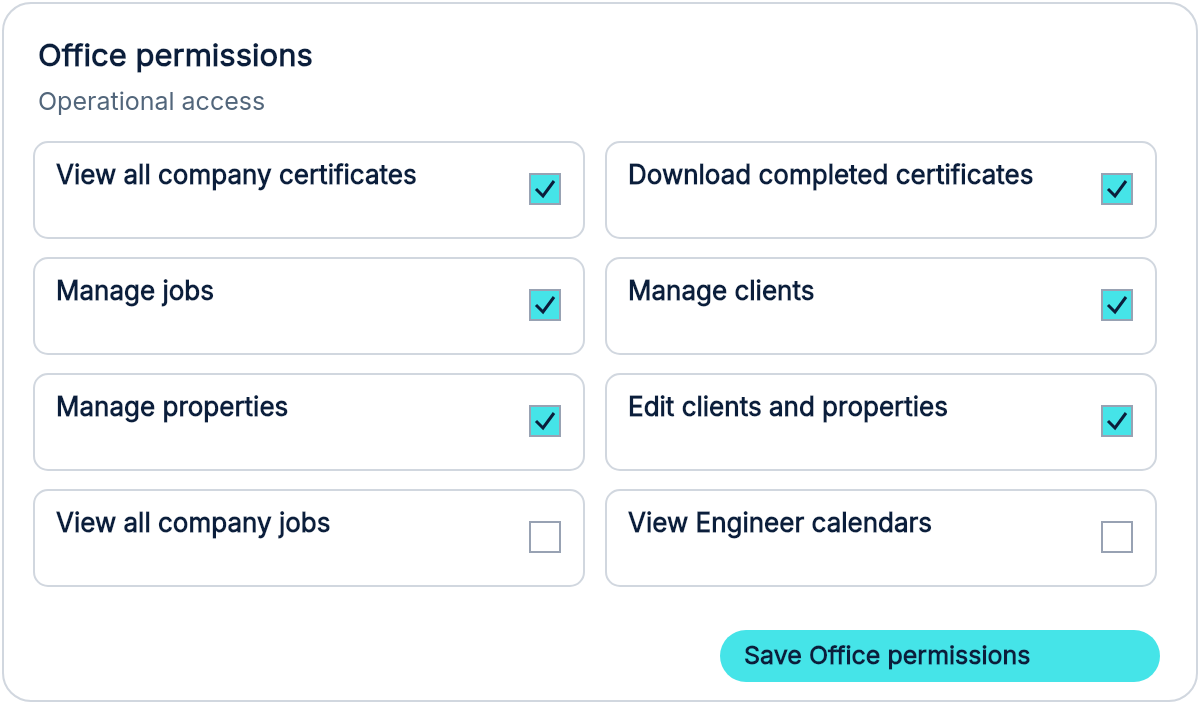
Set company permissions and individual overrides for managers/QS, engineers and office colleagues.
Real Certly app view · sample data ↗ EnlargeReal Certly app view · sample data ↗ Enlarge
Organise your team
Brand it. Share it. Use it.
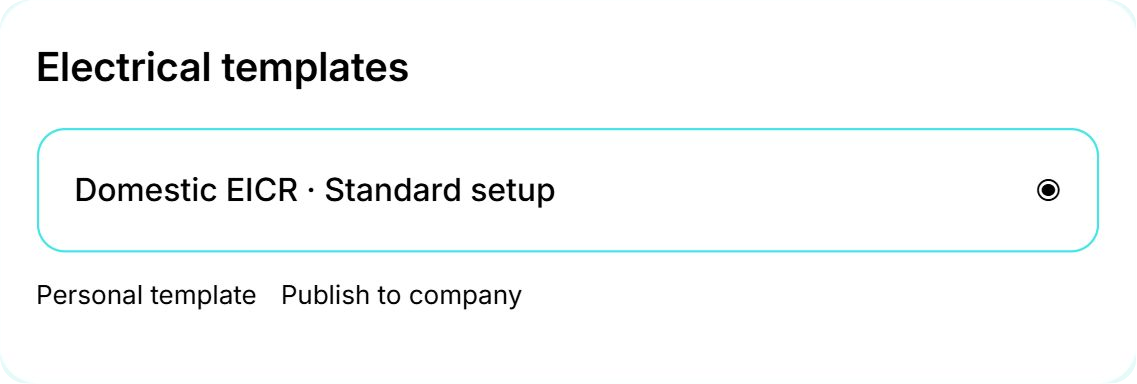
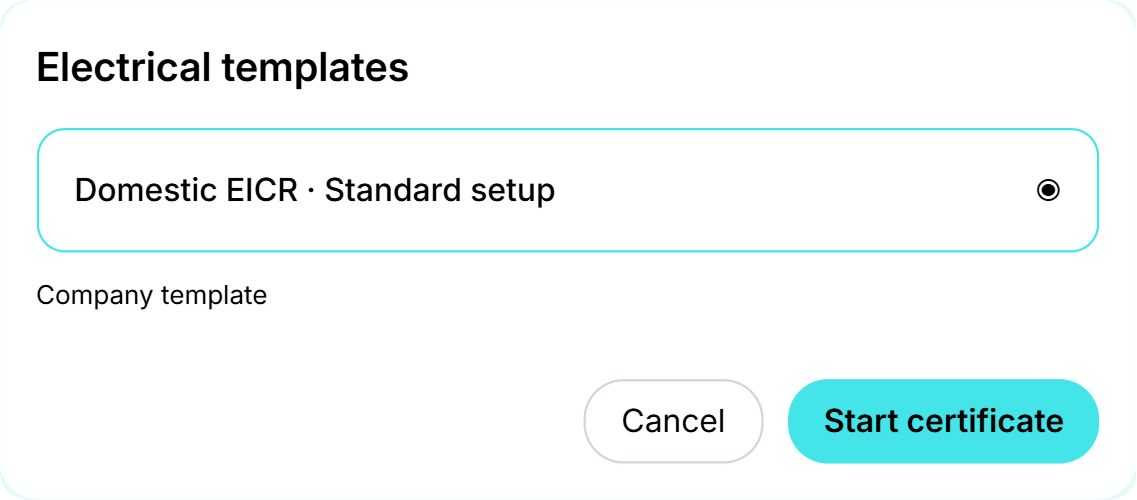
Set company branding and publish saved templates so colleagues can start new certificates from a shared setup.
Saved defaults apply to new work.
Real Certly app view · sample data ↗ EnlargeReal Certly app view · sample data ↗ Enlarge
Make Certly your own
Your day, at a glance
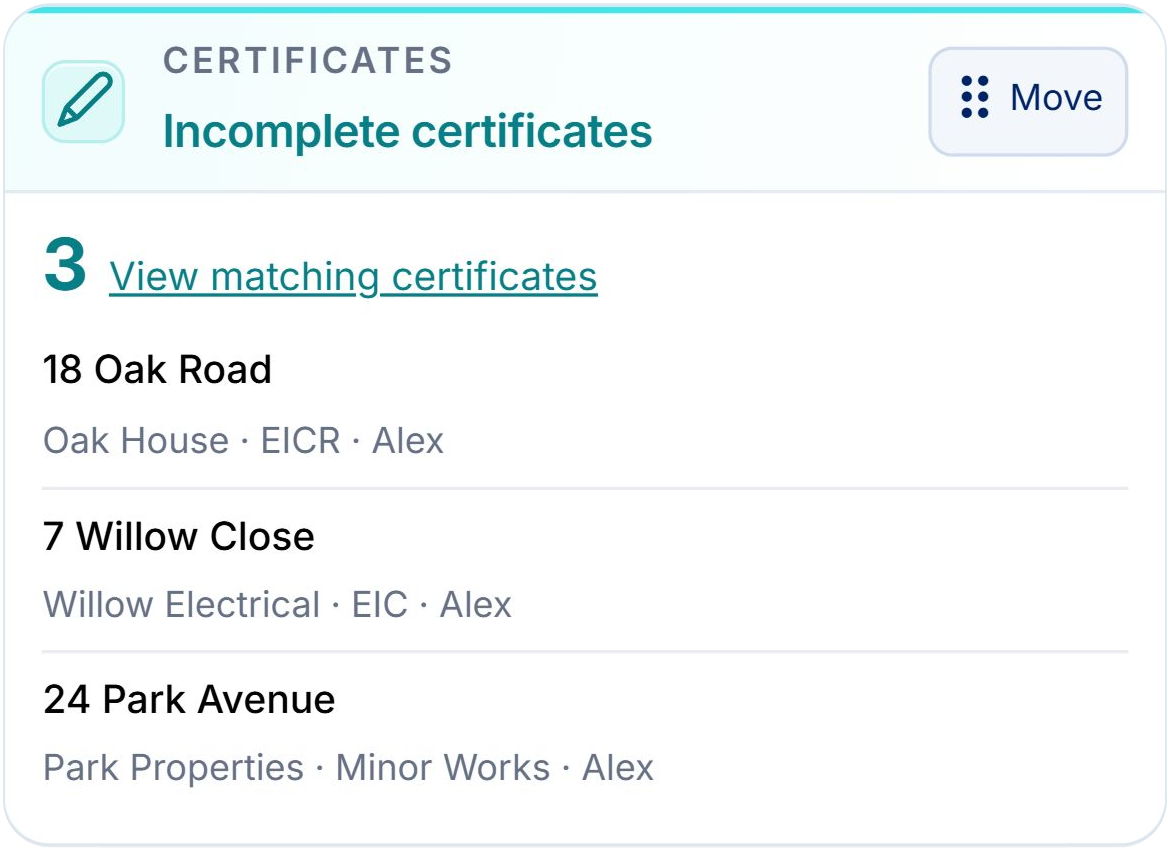
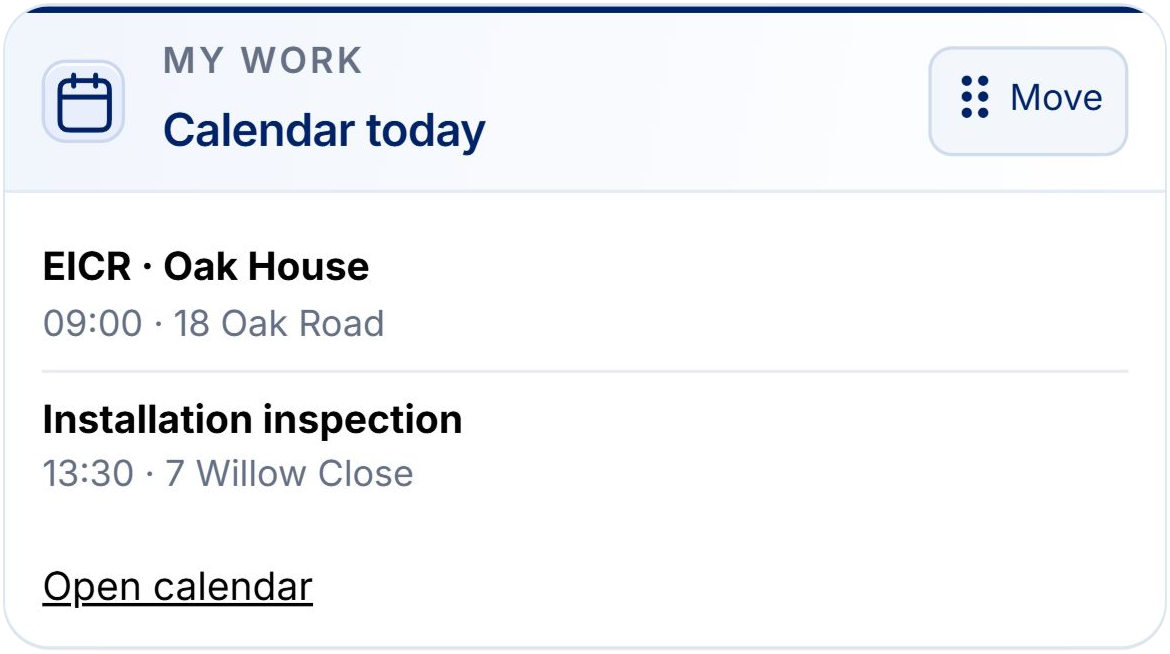
Choose, rearrange and resize dashboard widgets around your work. Keep the next action in sight.
Your personal layout is saved in the browser you are using.
Real Certly app view · sample data ↗ EnlargeReal Certly app view · sample data ↗ Enlarge
Plan what comes next
Plan the job. Get straight to work.
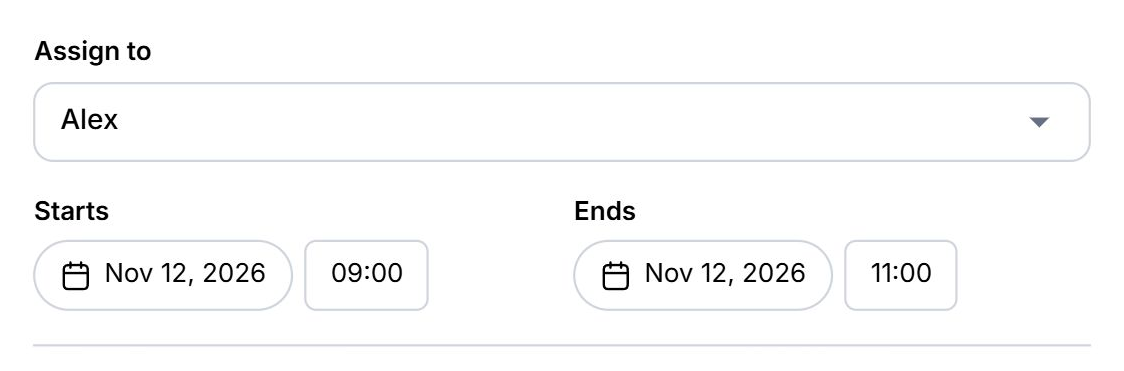
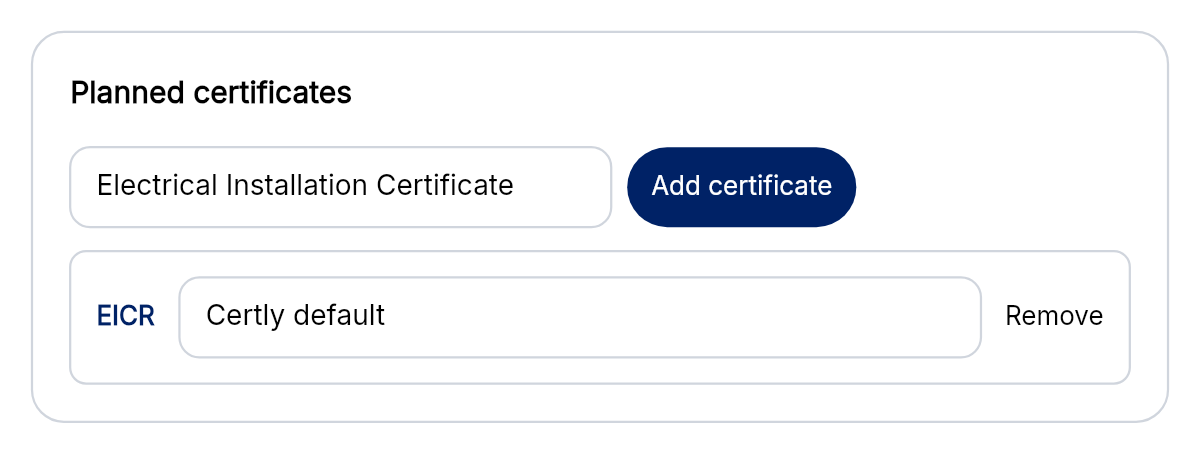
Assign an engineer, choose the client and property, and add the certificates needed. Start linked certificates from the job with those details carried across.
Real Certly app view · sample data ↗ EnlargeReal Certly app view · sample data ↗ Enlarge
Plan what comes next
Keep the next inspection in sight
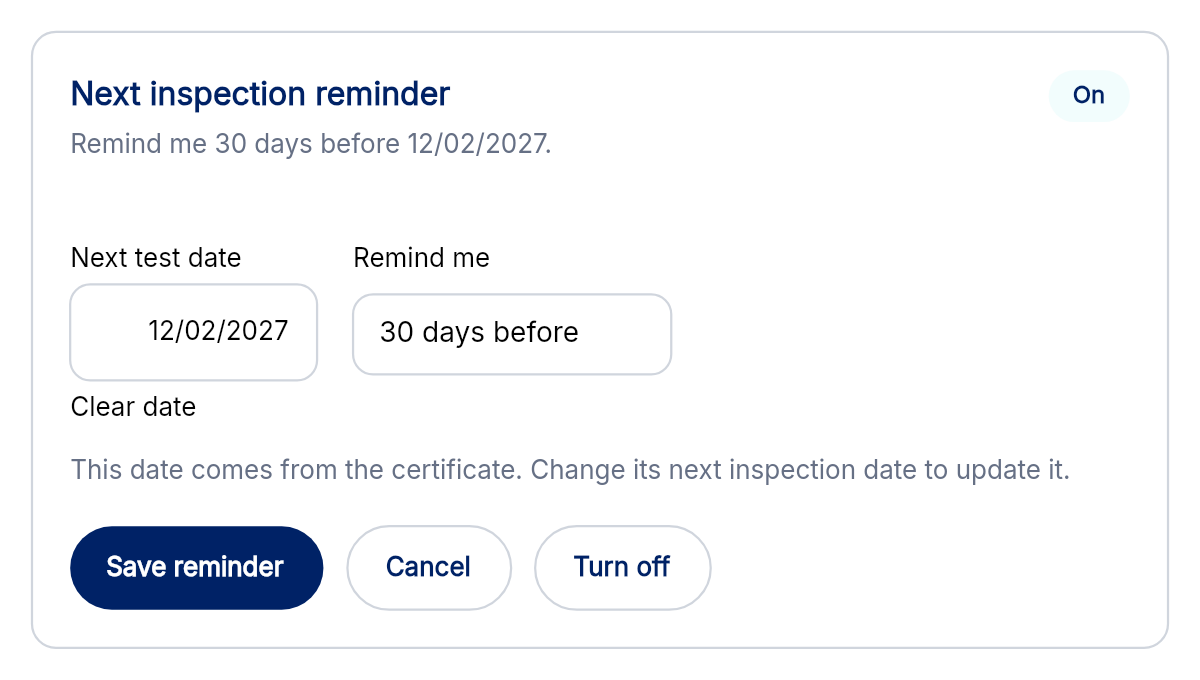
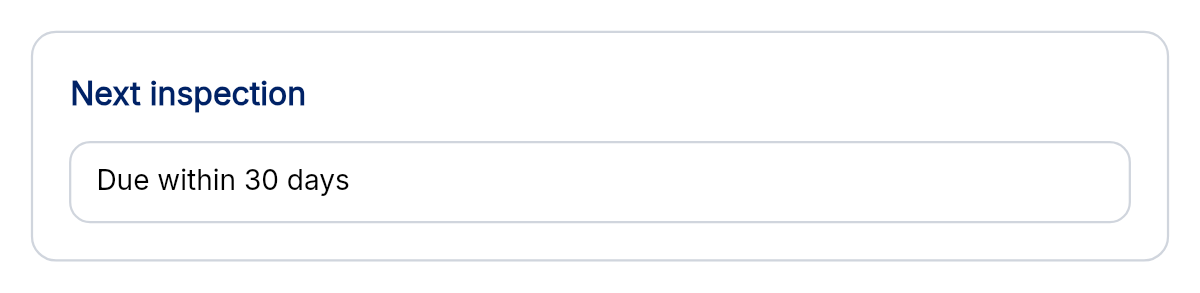
Record the next test date and choose a personal reminder on an eligible completed certificate. See upcoming dates on your dashboard.
Real Certly app view · sample data ↗ EnlargeReal Certly app view · sample data ↗ Enlarge
Make Certly your own
Unmistakably yours
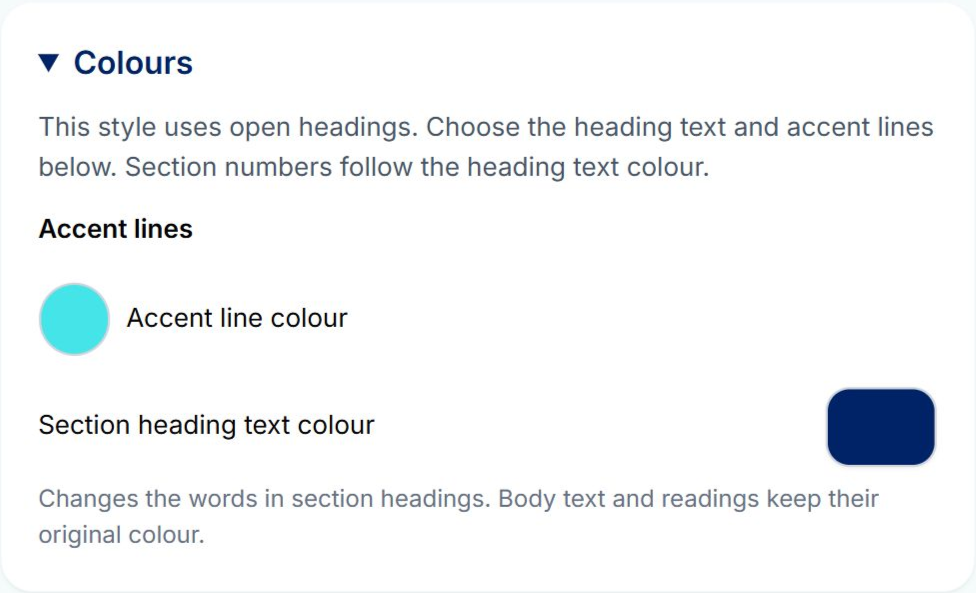
Choose Traditional, Modern, Minimal or Signature styles and customise certificate colours and appearance.
Real Certly app view · sample data ↗ Enlarge
Make Certly your own
A fresh workspace
A new look, clearer navigation and reorganised settings bring your everyday tools together.
Finish certificates quicker
A second look at your wording
Check spelling in certificate text and use your personal dictionary for the terms you work with.
See how it fits your working day.
Explore the existing interactive demos, or talk through your setup with a real member of the Certly team.


 Your personal layout is saved in the browser you are using.