WHAT’S NEW · NOVEMBER 2026

A fresh look.More ways to work.

Explore the November release: a new workspace, easier switching and tools that help you keep work moving.

Find your next feature ↓
BUILT AROUND YOUR WORK

CreateManageCollaborateCertify

A clearer view of your certificates, your team and what comes next.

TAKE A CLOSER LOOK

Explore what’s new

Find the tools that fit the way you work.

What’s new in Certly↑ Back to what’s new

CERTIFICATE COPYING

Copy the certificate. Make it right for the next property.

Less retyping from one flat to the next. Duplicate an existing certificate into a separate draft for another address, then focus on the details and results for the new property.

Working through similar flats in the same block? Use an existing certificate as the starting point for the next address, then check and update it for that property.

  1. CopyChoose the client and next installation address. Review the duplicate before creating it.
  2. Check and updateEnter the new readings, check every retained detail and record the findings for this property.
  3. CompleteFinish the new certificate and its required review and signing steps.

A separate draft, with no template needed. Readings can be left blank or optionally copied for checking. Signatures, approvals, dates, observations and photos reset for the new work.
Finish certificates quicker

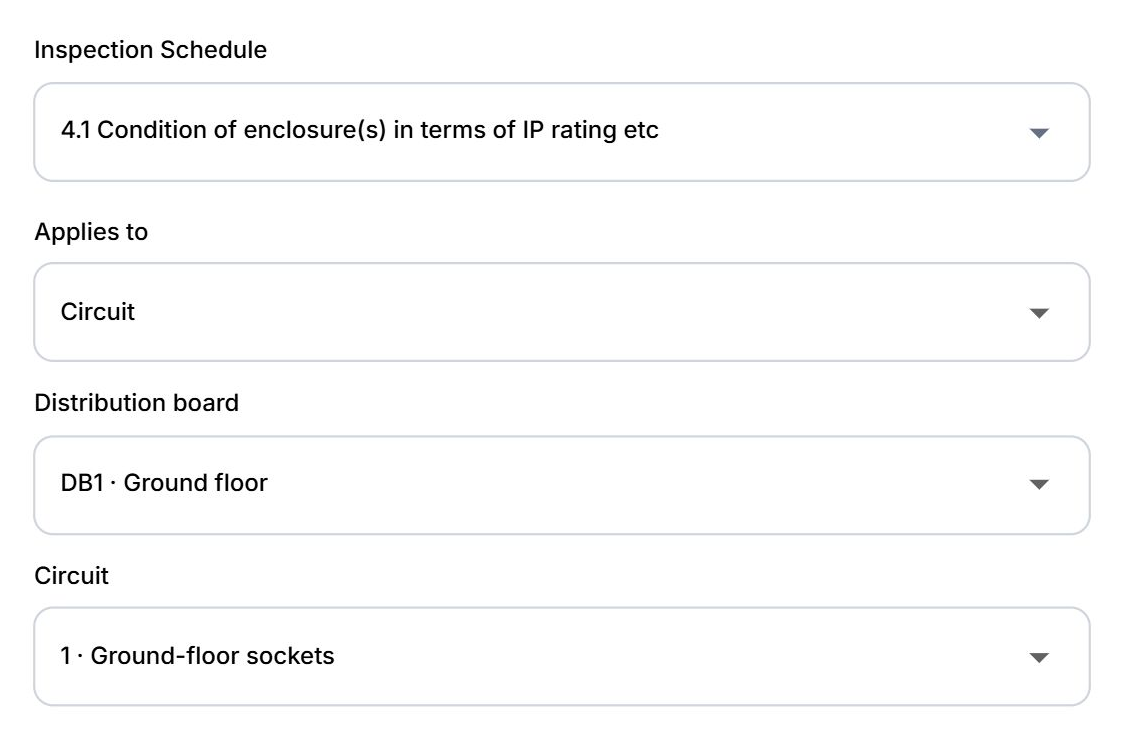
Faster observations

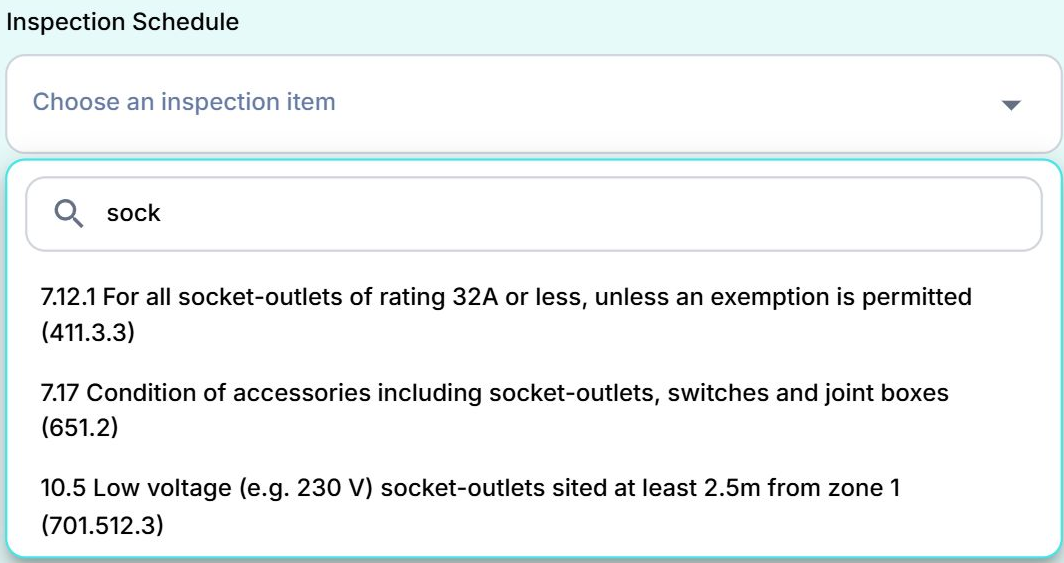
Start typing to find the inspection item. Link observations to the installation, board or circuit, with classifications, locations and photographs together.

Finish certificates quicker

Know where every cert stands

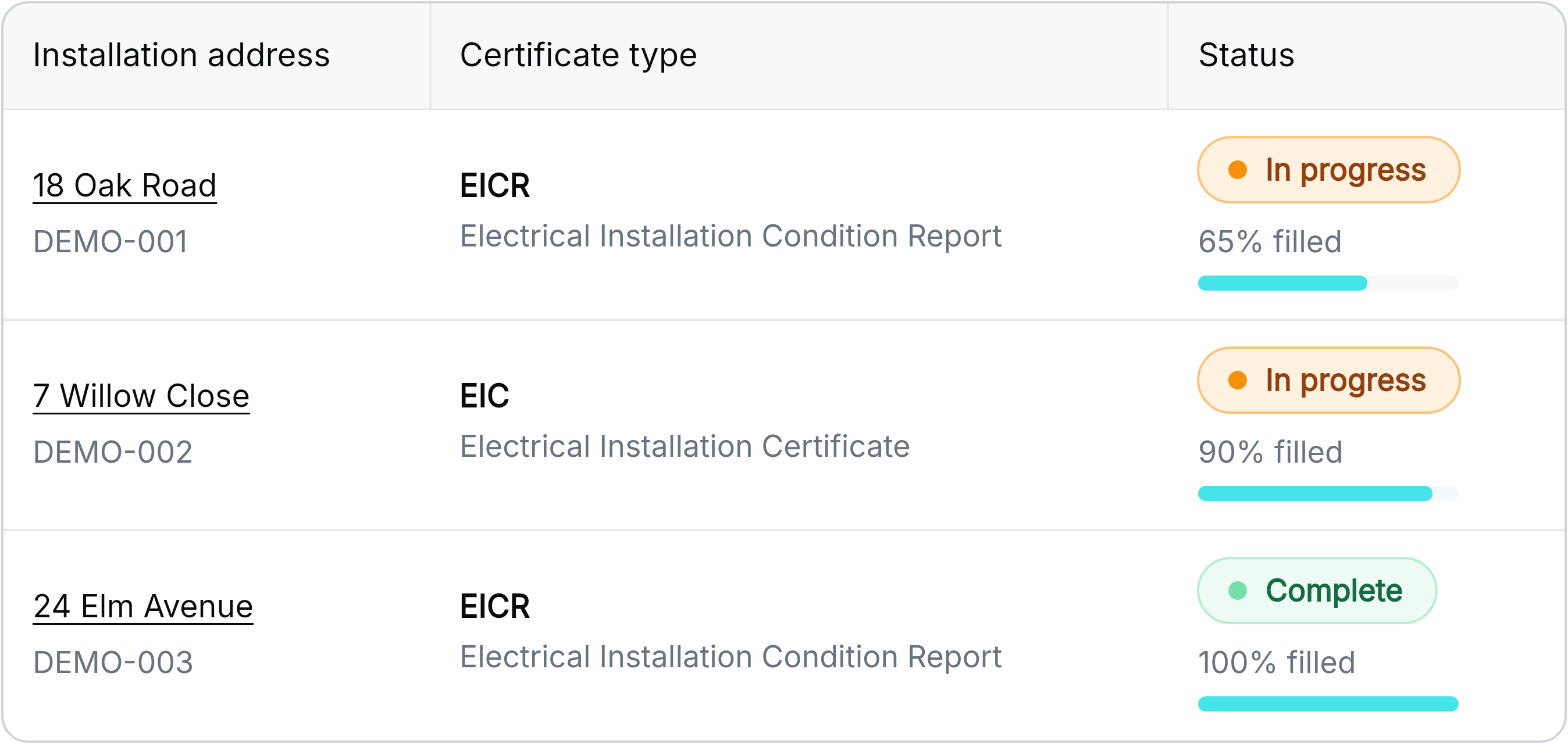
See completion percentages alongside certificate status. Search, filter and sort to find the work that needs your attention.

Progress shows recorded completion; it is not a safety assessment or QS approval.

Make the move

Bring your address book

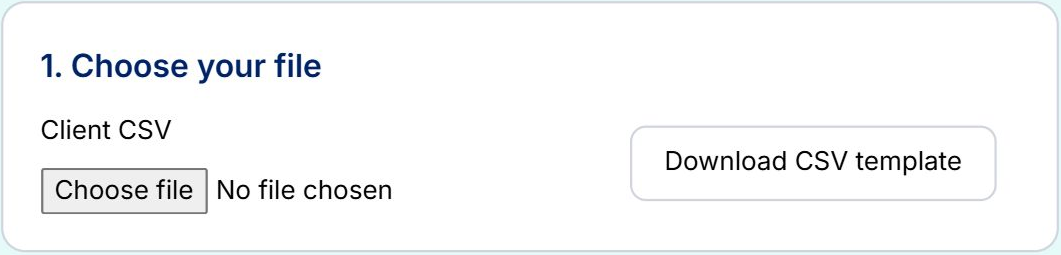
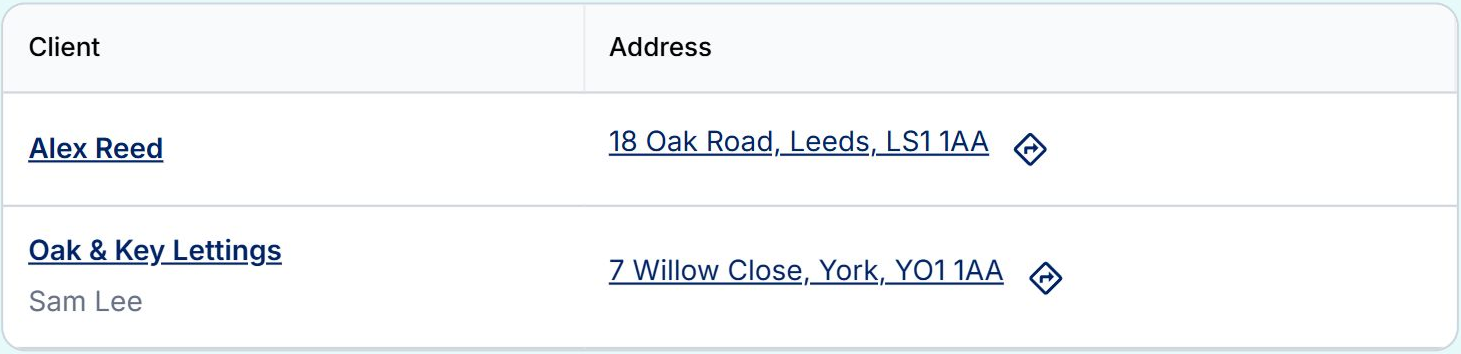
Choose your CSV, match its columns, preview your records and import clients and addresses with less copying and retyping.

  1. Choose your CSV or start with the template.
  2. Match columns to Certly fields.
  3. Preview, import and find your records in Clients.

BRING YOUR TEAM TOGETHER

Your team.
Your way of working.

Get colleagues set up with the right licences, permissions and shared templates.

Organise your team

Get your team set up

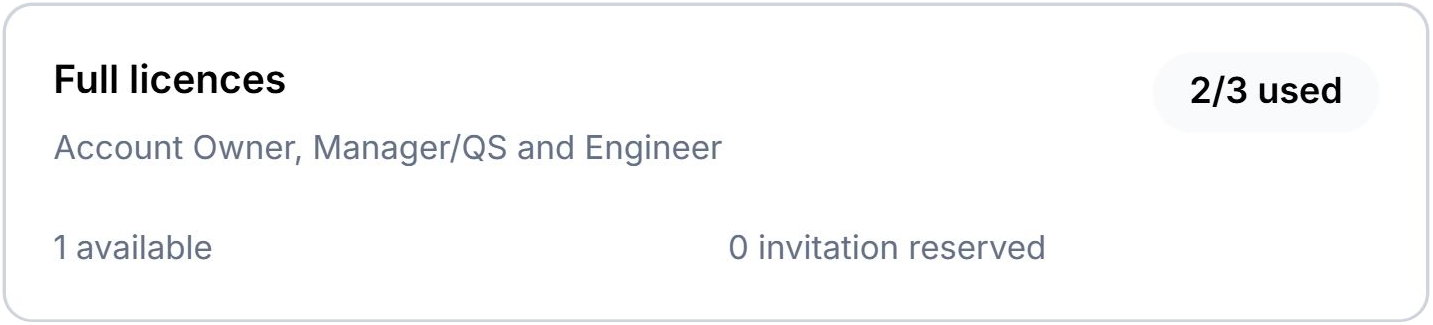
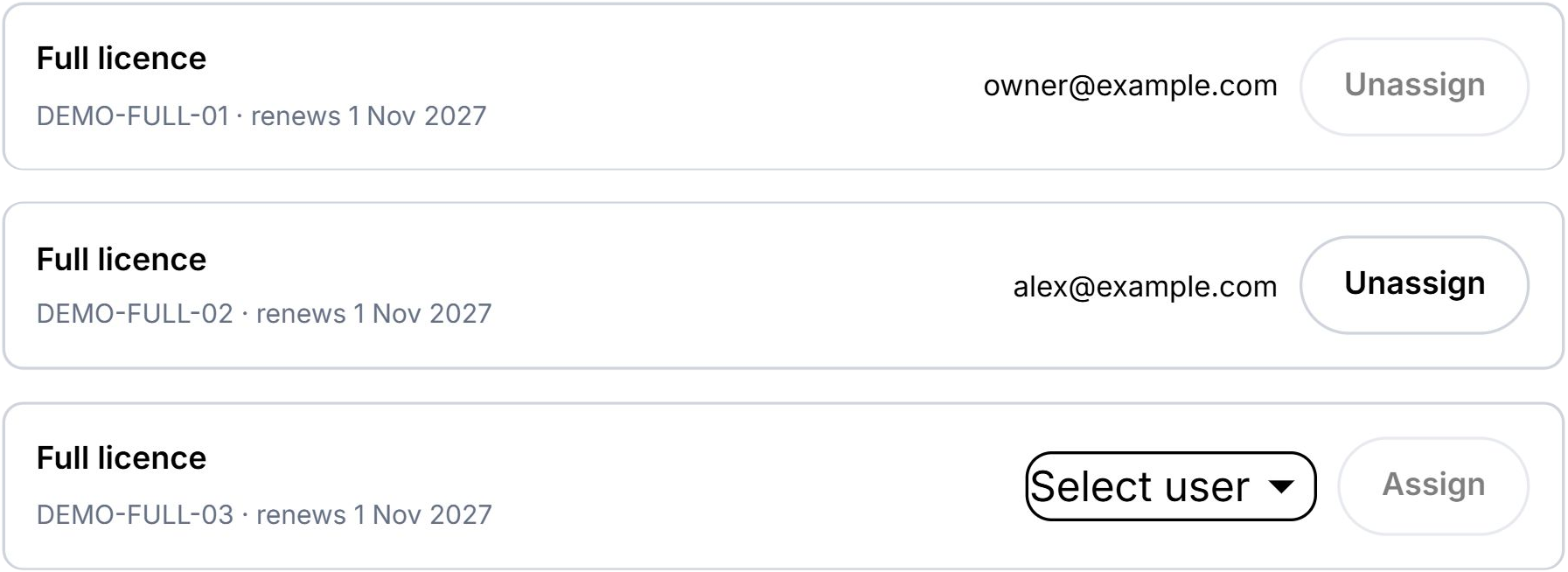
Manage Full and Office licences, invite colleagues and allocate available seats as your team changes.

Organise your team

Choose what your team can see and do

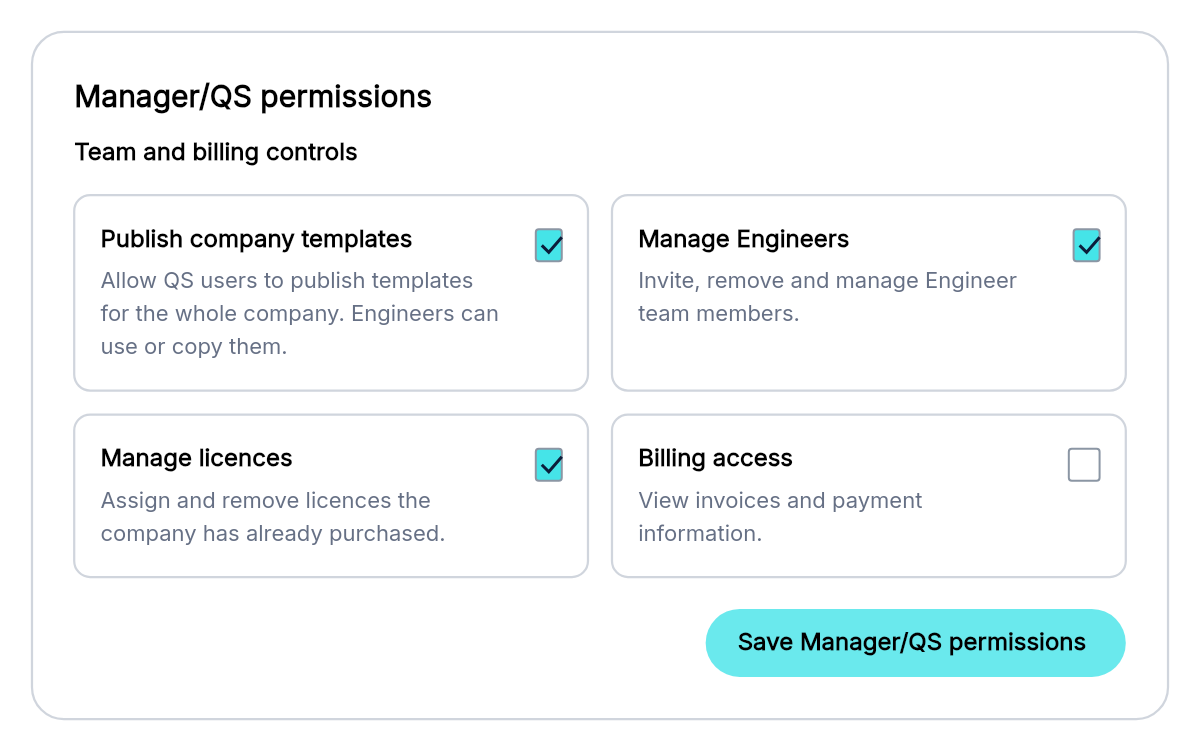
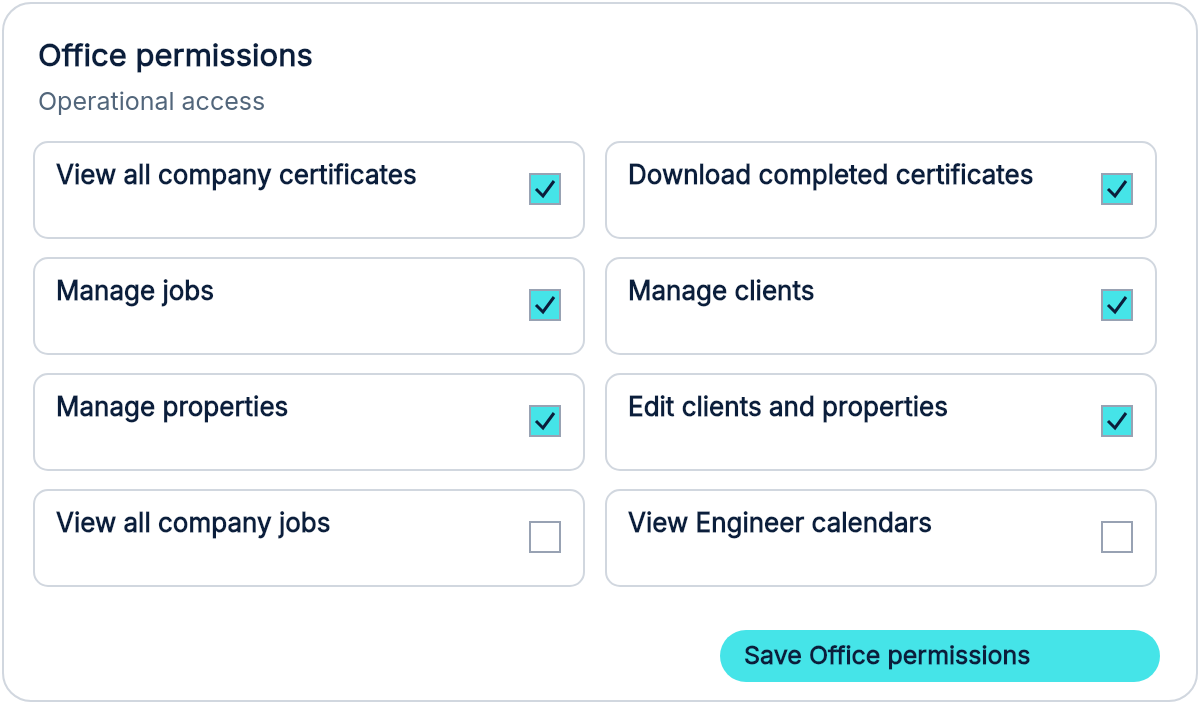
Set company permissions and individual overrides for managers/QS, engineers and office colleagues.

Organise your team

Brand it. Share it. Use it.

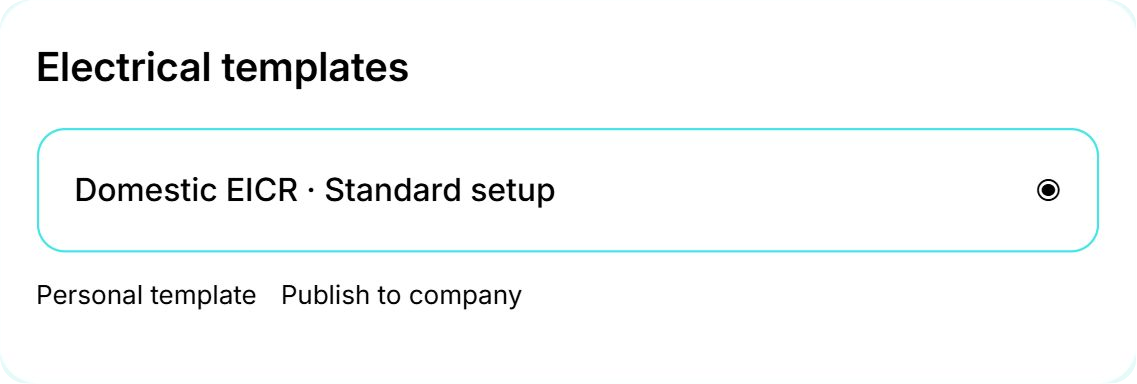
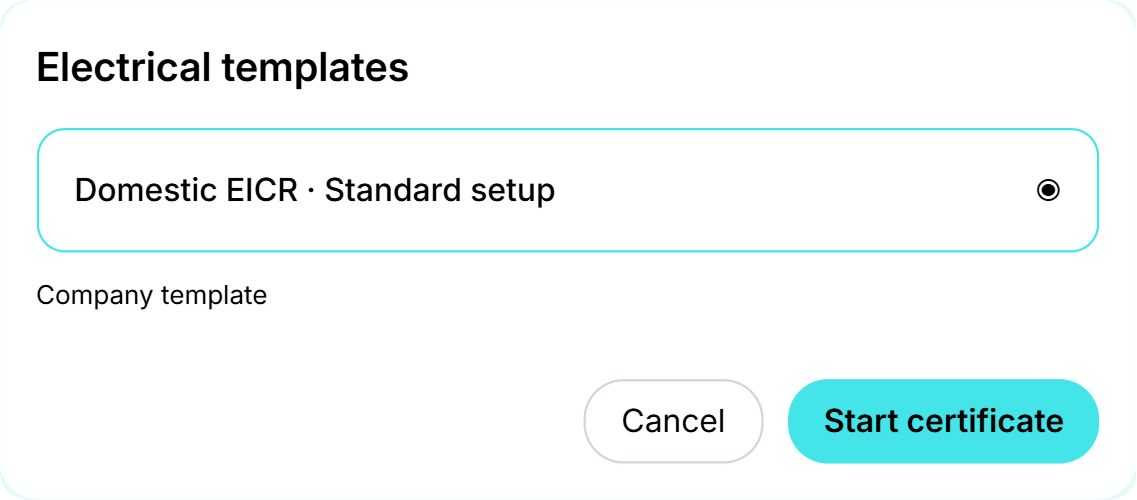
Set company branding and publish saved templates so colleagues can start new certificates from a shared setup.

Saved defaults apply to new work.

Make Certly your own

Your day, at a glance

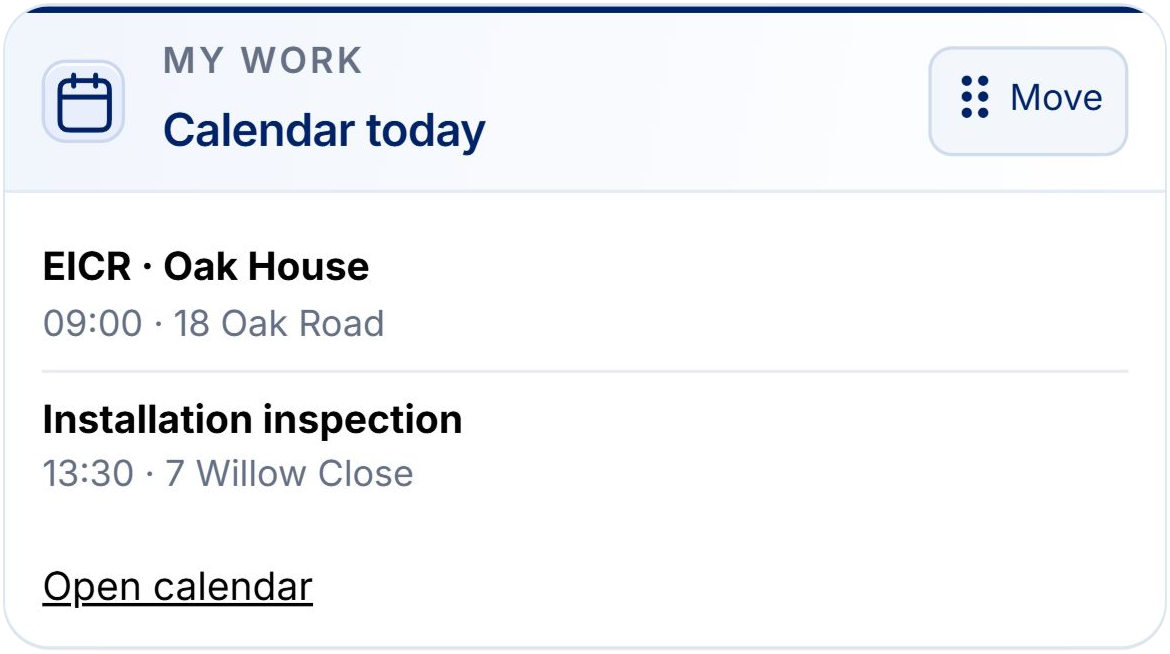
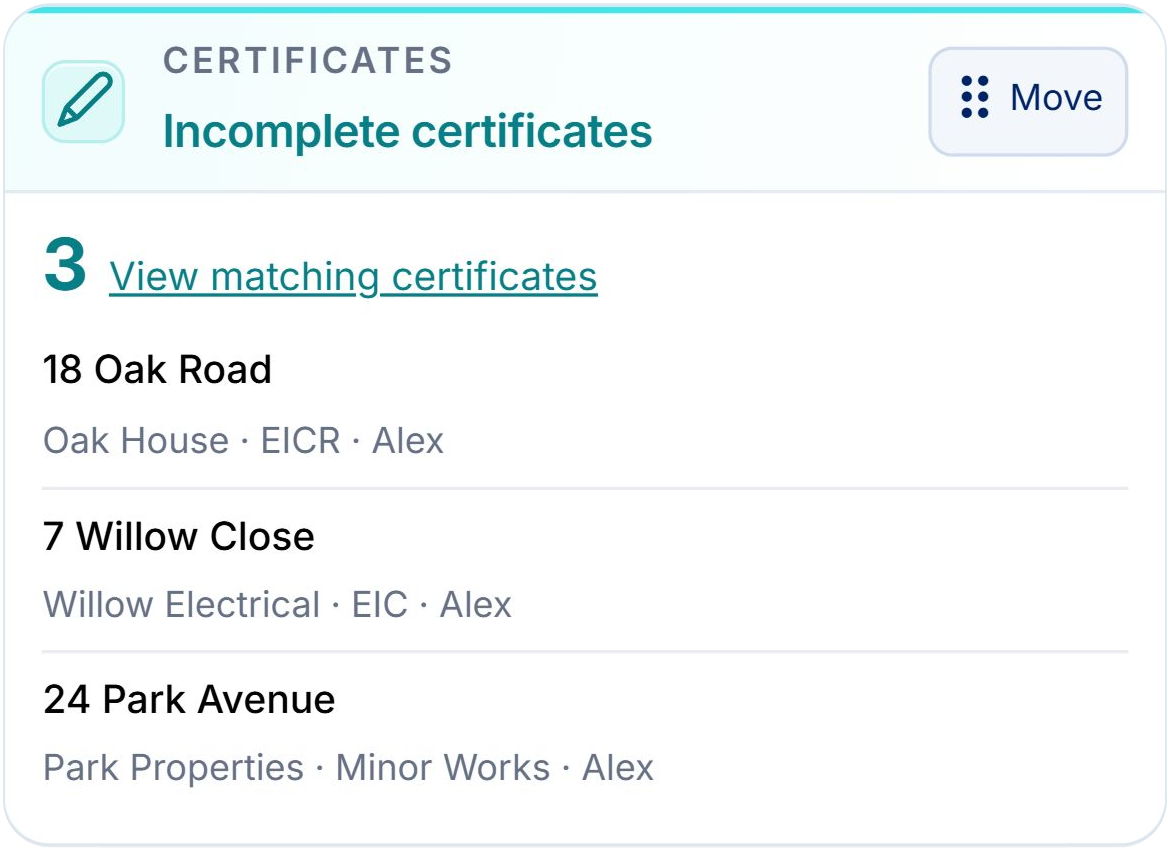
Choose, rearrange and resize dashboard widgets around your work. Keep the next action in sight.

Customise dashboardYour personal layout is saved in the browser you are using.
Plan what comes next

Plan the job. Get straight to work.

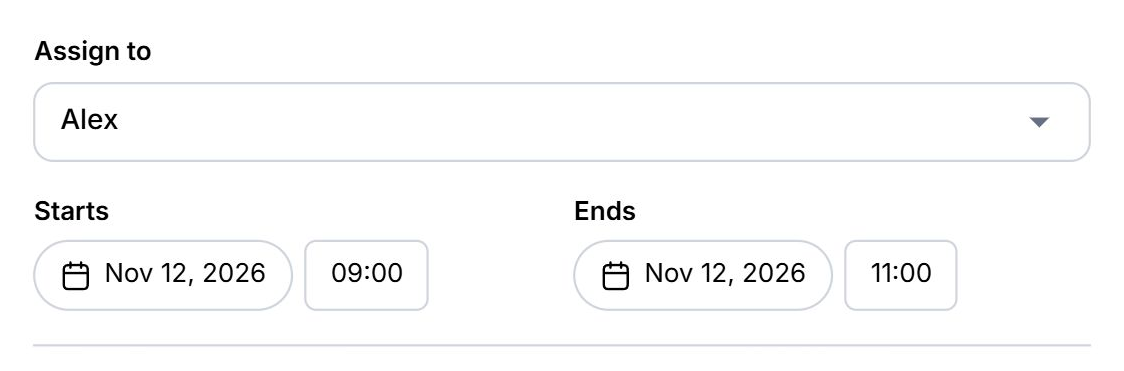
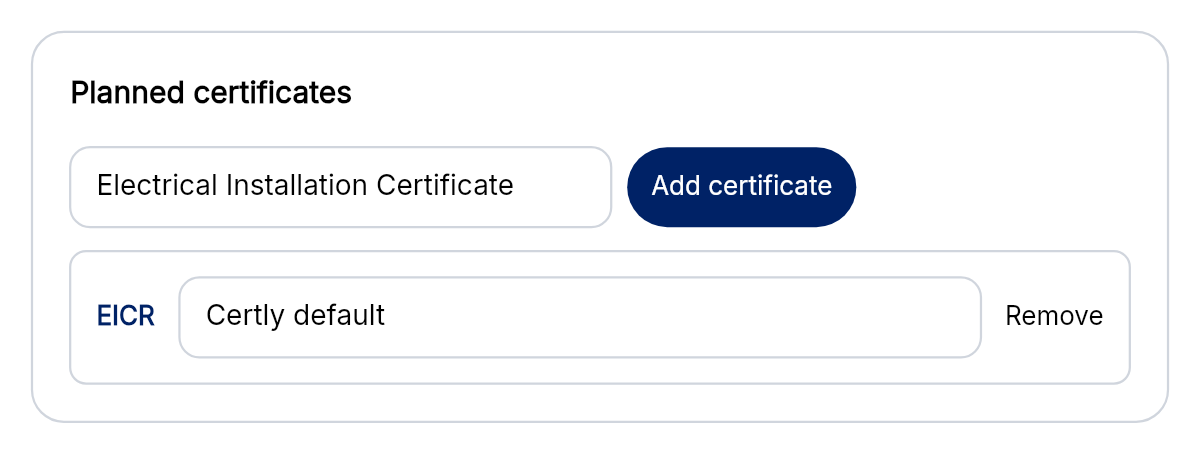
Assign an engineer, choose the client and property, and add the certificates needed. Start linked certificates from the job with those details carried across.

Plan what comes next

Keep the next inspection in sight

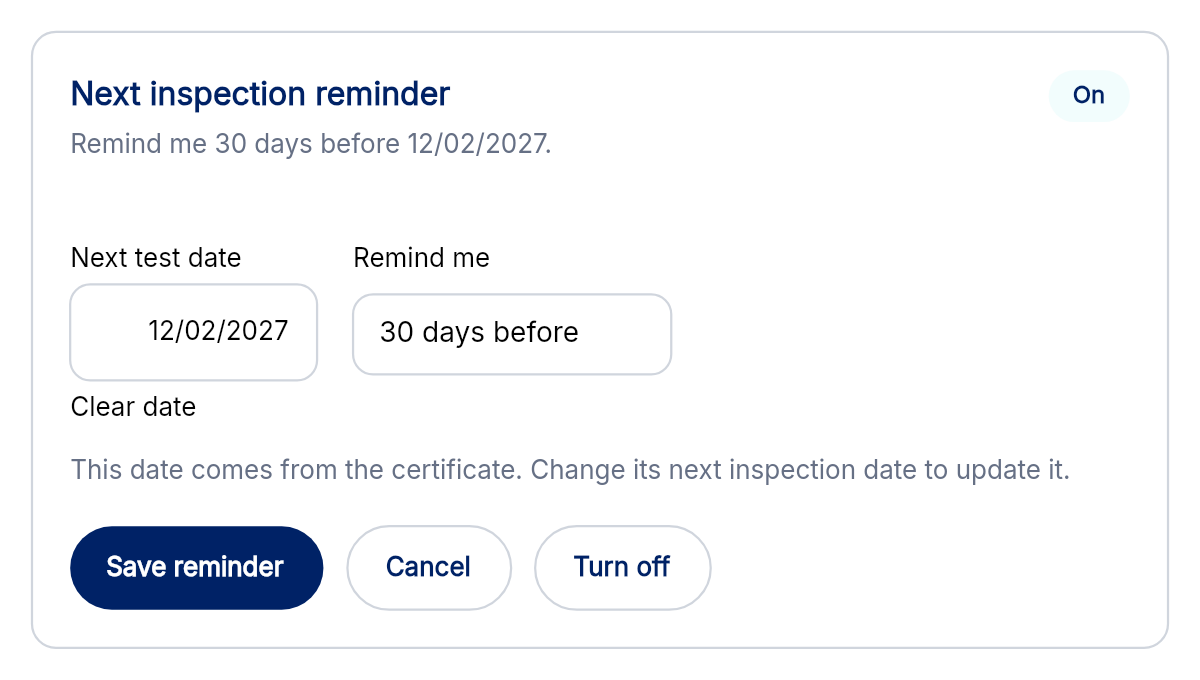
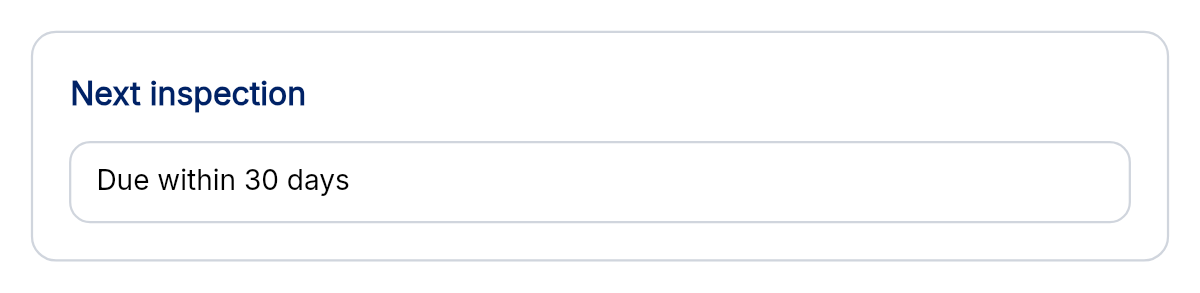
Record the next test date and choose a personal reminder on an eligible completed certificate. See upcoming dates on your dashboard.

Make Certly your own

Unmistakably yours

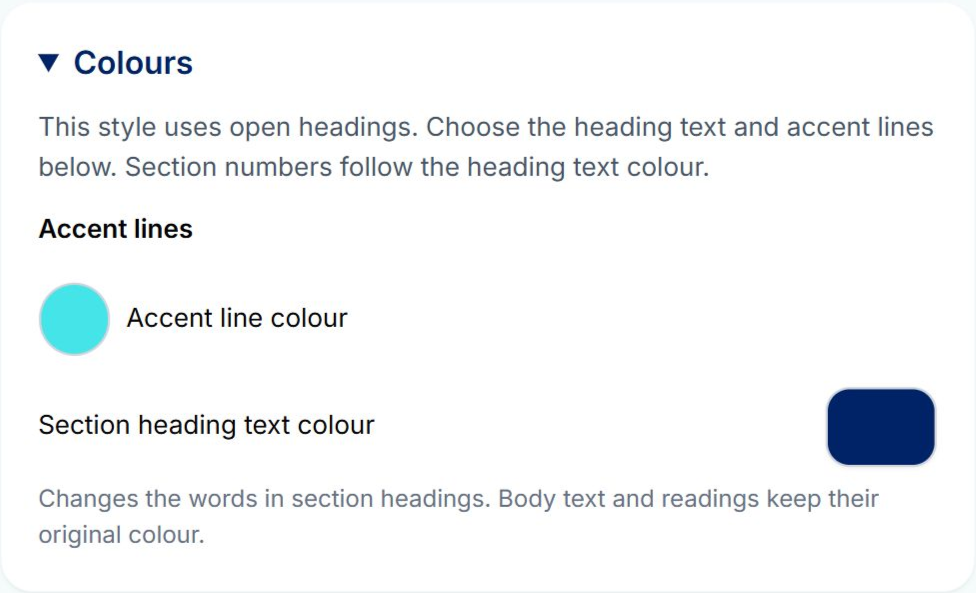
Choose Traditional, Modern, Minimal or Signature styles and customise certificate colours and appearance.

Make Certly your own

A fresh workspace

A new look, clearer navigation and reorganised settings bring your everyday tools together.

Finish certificates quicker

A second look at your wording

Check spelling in certificate text and use your personal dictionary for the terms you work with.

See how it fits your working day.

Explore the existing interactive demos, or talk through your setup with a real member of the Certly team.

Explore the demos → Book a demonstration →
WhatsAppMessage us

What can we help with?

Choose a topic to continue in WhatsApp.

Messages only. You can edit your message before sending.

YOUR IDEAS. CERTLY'S NEXT STEPS.

Help Shape Certly

We're always looking for ways to improve Certly. Got an idea for a new certificate, feature or improvement? We'd love to hear it.

Your suggestions and contact details
What would you like to suggest? Select all that apply.

We ask for your email so we can contact you if we need more information, discuss how your suggestion could work, or request an example certificate or document to help us develop it.

Your suggestions will be reviewed privately by the Certly team and won't be displayed publicly.

We use your contact details to review and follow up on your suggestions. You won't be subscribed to marketing. Privacy policy (opens in a new tab).