NOVEMBER PRODUCT UPDATE

14 MORE updates.
One Certly.

Make it yours. Get the details down.
Bring it all together in the report.

Explore the update

MAKE IT YOURS

A different look.
The same familiar Certly.

Choose the appearance that suits you, with company colours that make the workspace feel like your own.

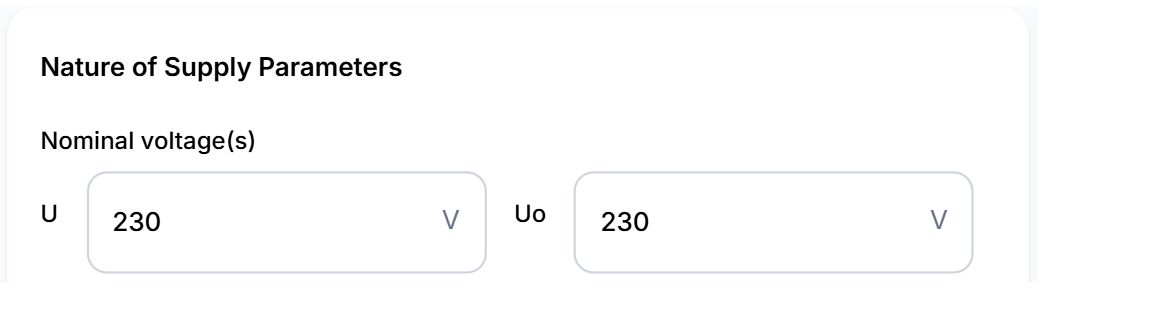
Light · supply details
Certly supply details in light mode with sample data
Same Certly component · sample data
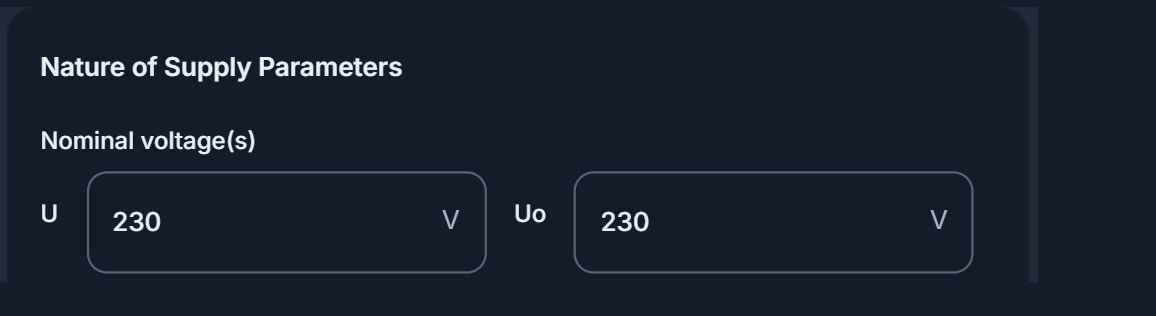
Dark · supply details
The same Certly supply details in dark mode
Same Certly component · sample data
01

Light or dark

Choose a light or dark app appearance to suit the way you work.

02

Your company colours

Personalise app accents and buttons with company-controlled branding settings.

03

Your certificate dashboard

Choose which certificate types appear on your dashboard, keeping the ones you use close at hand.

Your company · black & red
Company-controlled accent and button colours
Choose your certificate types · your company colours
Selected boxes use your company accent colour

CIRCUIT ENTRY

More room.
Less back and forth.

Expand the circuit schedule and work directly in its rows, with useful prompts alongside the details you’re recording.

01 · Normal DB view with the circuit-entry side tray
02 · Expanded circuit schedule
04

Edit in the schedule

Enter circuit details and readings directly within the expanded schedule’s rows.

05

Incoming fuse kA suggestions

Choose a suggested breaking-capacity value for quicker entry, or enter the value manually.

06

High-Zs readings in view

See readings requiring review highlighted on the circuit schedule. Engineers and QS reviewers can spot them in the app; the highlights are not added to the PDF.

OBSERVATIONS & WORDING

Classify it.
Create it.

Keep the finding, the wording and its supporting evidence connected.
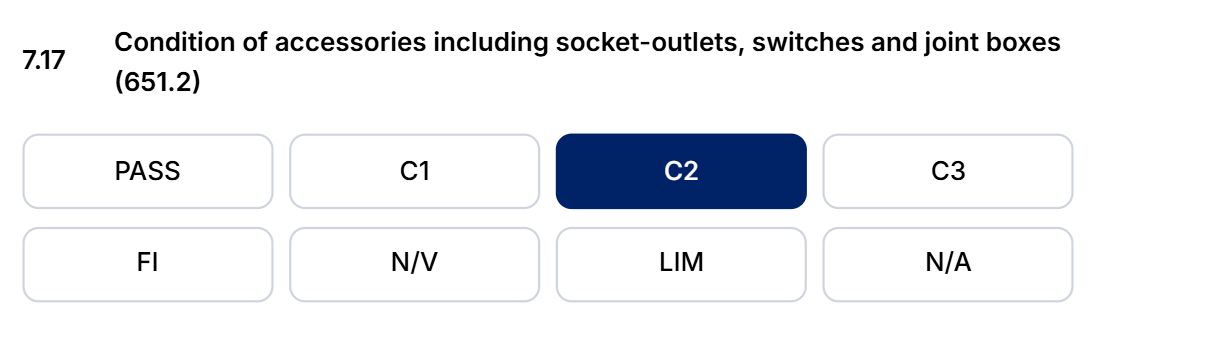
07 · Choose C2 on the inspection schedule
Actual inspection schedule item with C2 selected
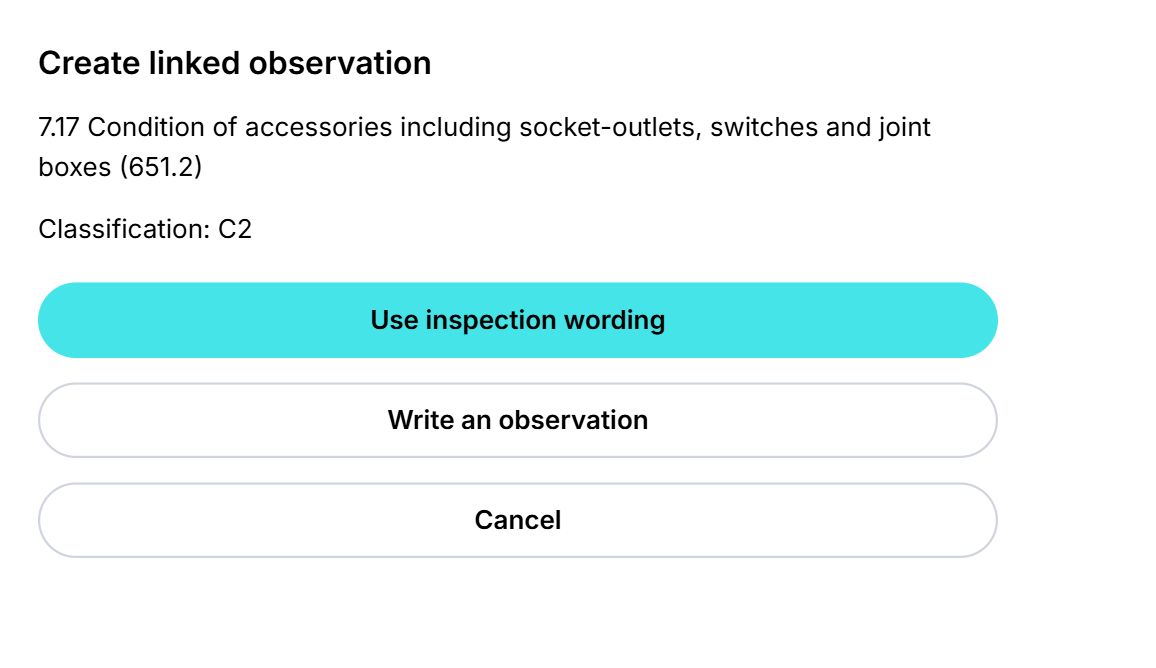
Create the linked observation
Create linked observation: use inspection wording or write an observation
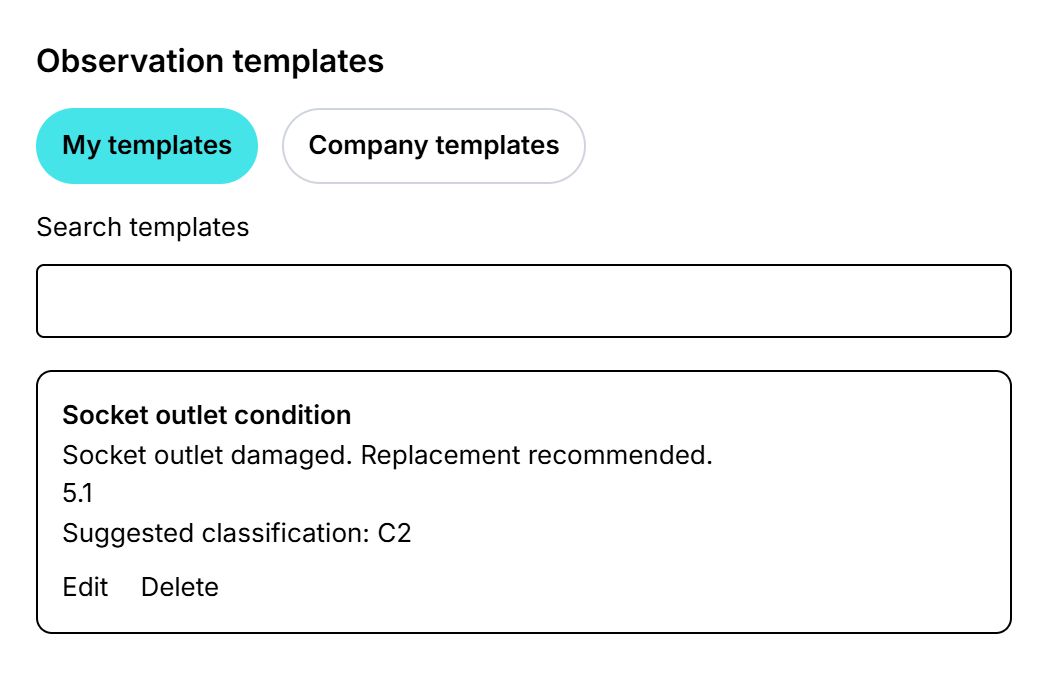
Reusable observation templates
Reusable observation templates — Certly app view with sample data
Certly app view Enlarge ↗
07

Classify it. Create it.

Turn a classification on the inspection schedule into an observation. Start with the item wording or write your own.

08

Keep useful wording ready

Use QS-managed company observation templates alongside engineers’ own templates, stored locally.

Open the sample PDF and try both links ↗ · Sample report, no customer data.

09

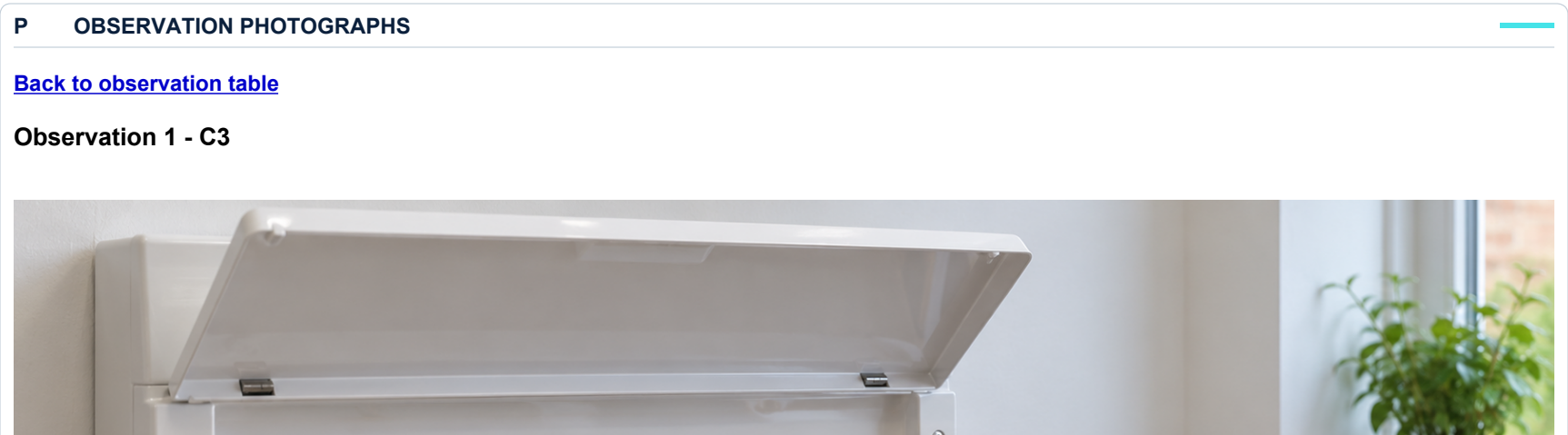
Go straight to the supporting photo

In the PDF, jump from an observation to its supporting photographs and back again.

10

More consistent text suggestions

Improved remembered-text suggestions across suitable fields help bring familiar wording back into reach.

YOUR REPORTS

The output you need.
The way you need it.

More choice over orientation, separate schedules and how you record the testing scope.

11

The whole EICR, in landscape

Print or download your EICR in landscape and save it as your personal preference.

12

Print the circuit schedule separately

Print circuit schedule pages on their own, without certificate page numbering.

13

Record the testing scope

Optionally record the percentage of circuits tested and the scope covered, and display it on the EICR report.
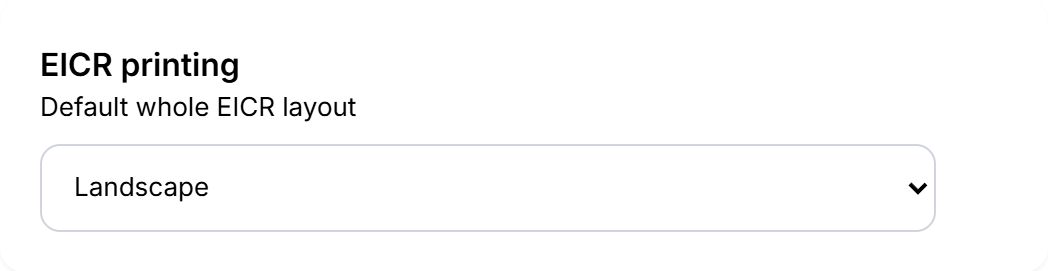
EICR output preferences
EICR output preferences — Certly app view with sample data
Certly app view Enlarge ↗

QS REVIEW

Find the engineer.
Focus the review.

14

Filter by inspecting engineer

Filter the QS review list by one or more inspecting engineers to find the certificates you need.

High-Zs warnings also remain visible on the circuit schedule during QS review.
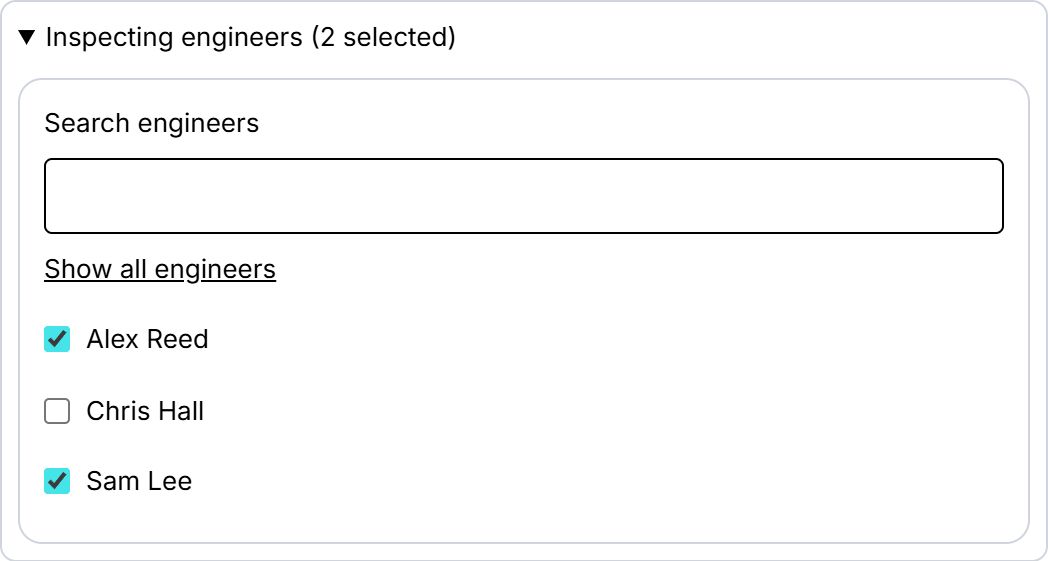
Inspecting engineer filter
Inspecting engineer filter — Certly app view with sample data
Certly app view Enlarge ↗

What can we help with?

Choose a topic to continue in WhatsApp.

Messages only. You can edit your message before sending.

YOUR IDEAS. CERTLY'S NEXT STEPS.

Help Shape Certly

We're always looking for ways to improve Certly. Got an idea for a new certificate, feature or improvement? We'd love to hear it.

Your suggestions and contact details
What would you like to suggest? Select all that apply.

We ask for your email so we can contact you if we need more information, discuss how your suggestion could work, or request an example certificate or document to help us develop it.

Your suggestions will be reviewed privately by the Certly team and won't be displayed publicly.

We use your contact details to review and follow up on your suggestions. You won't be subscribed to marketing. Privacy policy (opens in a new tab).