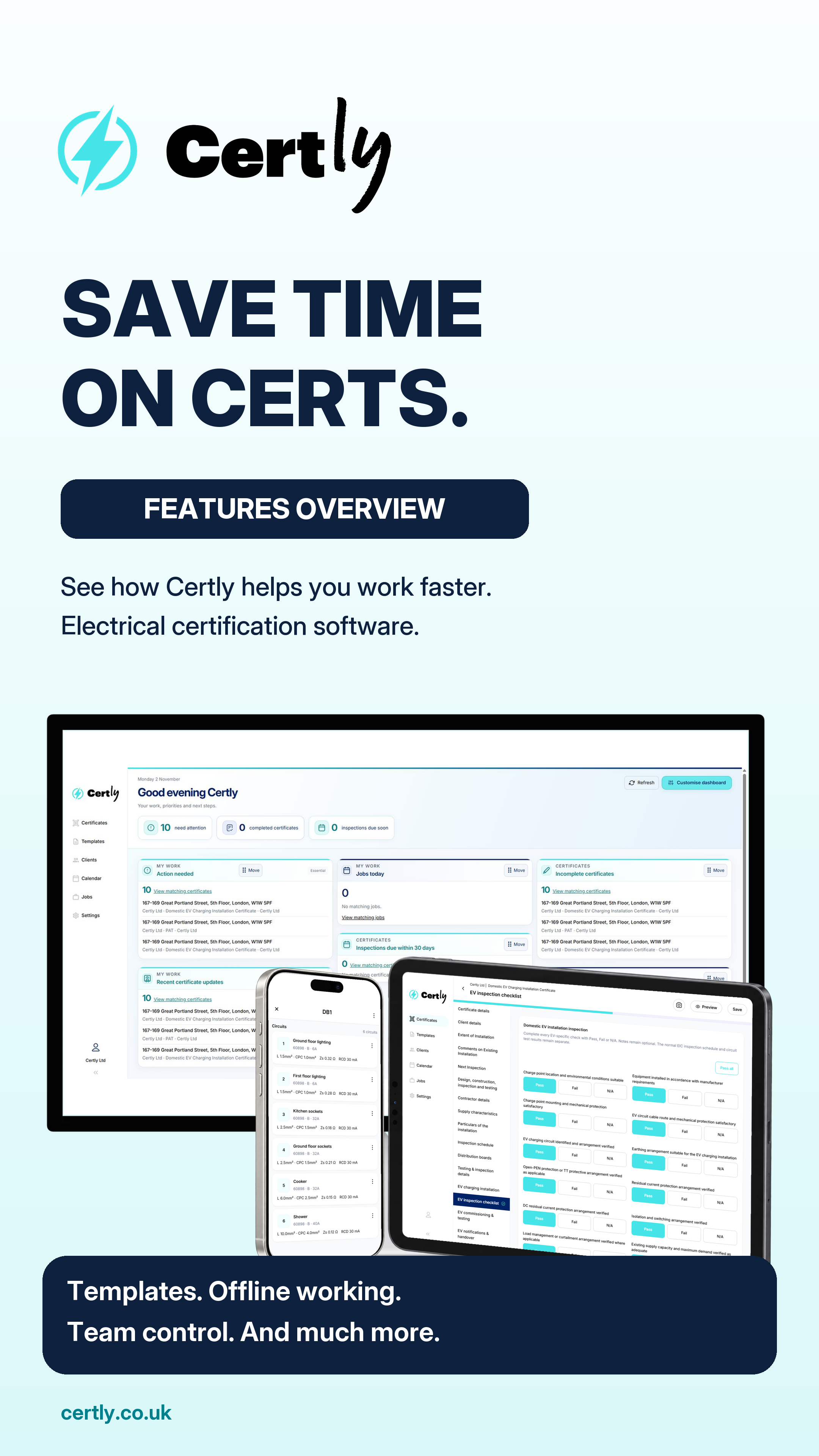
Less retyping. Faster certificate entry. More control of your team. Certly brings electrical certificates, clients and the people working on them into one workspace. This short features overview shows how electrical certification software can help reduce everyday administration, from preparing an EICR to getting a completed certificate through QS review.
Watch the Certly features overview
Electrical certificate software for more of your work
Certly includes 35 certificate types and counting, helping electricians and electrical contractors manage different types of certification without building a separate process for each job. Electrical Installation Condition Reports (EICRs), Electrical Installation Certificates (EICs) and Minor Works Certificates form part of that wider range.
Keeping your certificate work, client information and team workflow together helps reduce the time spent moving between separate records. Explore the electrical certificate software and EICR software pages for more detail.
Save time with circuit templates and certificate templates
Repeatedly entering familiar circuit details is an everyday drain on time. Certly offers several ways to reuse suitable information:
- Circuit templates: save a circuit preset for details you regularly enter.
- Certificate templates: create a reusable starting point for similar work.
- Full certificate duplication: duplicate a certificate when it provides a suitable basis for the next job.
- Copy distribution boards: bring a board across from another certificate.
These options can be particularly useful for blocks of flats or properties with similar distribution-board layouts. Always check reused information against the installation you are inspecting and record the current inspection findings and test results.
Log EICR observations with less retyping
The video shows a search for “socket” populating matching inspection-schedule items. An observation can then be linked to the appropriate board or circuit, keeping the finding connected to the part of the installation it concerns.
For electricians completing EICRs, clearer observation logging helps keep the description and location together. It also gives the person reviewing the certificate a more useful record of what needs attention.
Make switching electrical certification software easier
Changing software should not mean typing your address book again. Certly supports importing existing clients and addresses from a CSV file. Match the columns, check the preview and import the records into your company address book.
You can also store historic PDF certificates against clients, keeping documents from previous software alongside the relevant customer record. Stored PDFs remain documents; uploading them does not turn them into editable Certly certificates. This gives your team a practical way to retain access to previous reports as you move new work into Certly.
Offline electrical certificate working on site
Basements, plant rooms and construction sites do not always provide a reliable internet connection. Certly’s offline working lets you continue recording readings, photos and observations on a certificate you have started or opened online on that device.
- Start or open the certificate while connected.
- Continue filling it in offline on the same device.
- Your offline changes are saved locally.
- Reconnect and select Save to upload your changes.
After saving online, the updated certificate is available to the office. The offline status message helps distinguish work held on the device from changes uploaded to the account. Read the offline working guide before your first visit without signal.
Company licences, team permissions and QS Relay
For an electrical contracting business, managing certificates also means managing who can work on them. Certly brings company licences and team permissions together, so the company can see licence availability, assign access and choose the permissions available to its team.
QS Relay connects the electrician’s certificate submission with the Qualified Supervisor’s review. The video shows the key stages: submit to QS, see certificates waiting for review, then accept or reject the submission. This helps make the handover between site and office easier to follow.
A dashboard arranged around your working day
Your dashboard provides a starting point for the work that matters to you. Arrange the available widgets around your role and priorities, so the information you need is easier to reach when you sign in.
Combined with reusable templates, client imports, offline certificate entry and team review, it is part of Certly’s aim to help electricians spend less time on administration and more time getting their work done.
See whether Certly suits your electrical business
Watch the overview, explore the features and ask us about the way your team works. Whether you are a sole trader or manage several engineers, the useful question is where your current certificate process costs you time—and which Certly tools could help.
- Explore Certly features.
- Book a demonstration with the Certly team.
- Try the interactive examples.
- Open Certly in your web browser.
Need help? Email hello@certly.co.uk or message the Certly team on WhatsApp.