
NOW LIVE · OFFLINE WORKING
No signal?
No problem.
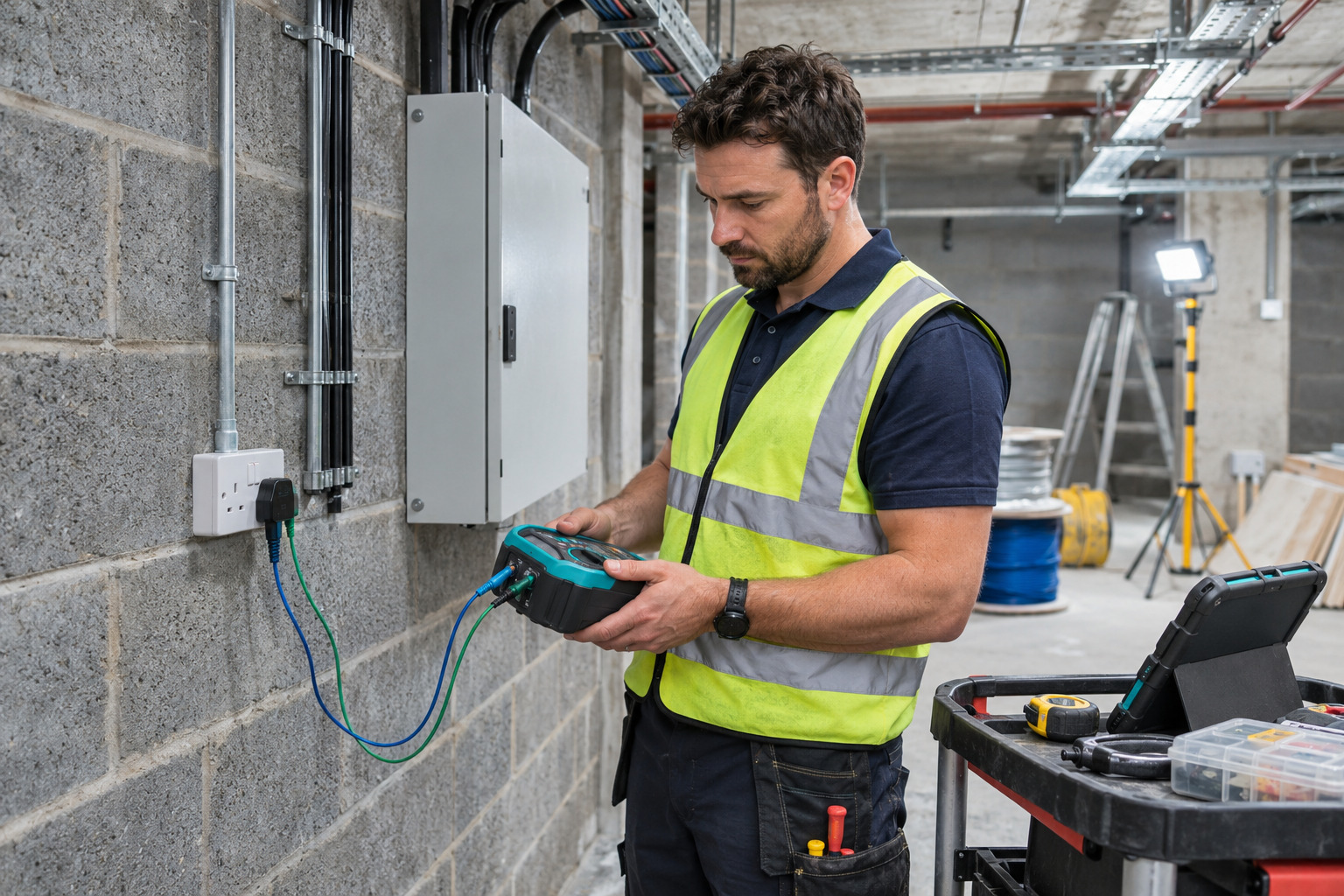
Electrical certificate software that keeps the job moving—even when your internet connection does not.
Readings. Photos. Observations. Carry on filling in your certificate with Certly while you are offline.
Open Certly →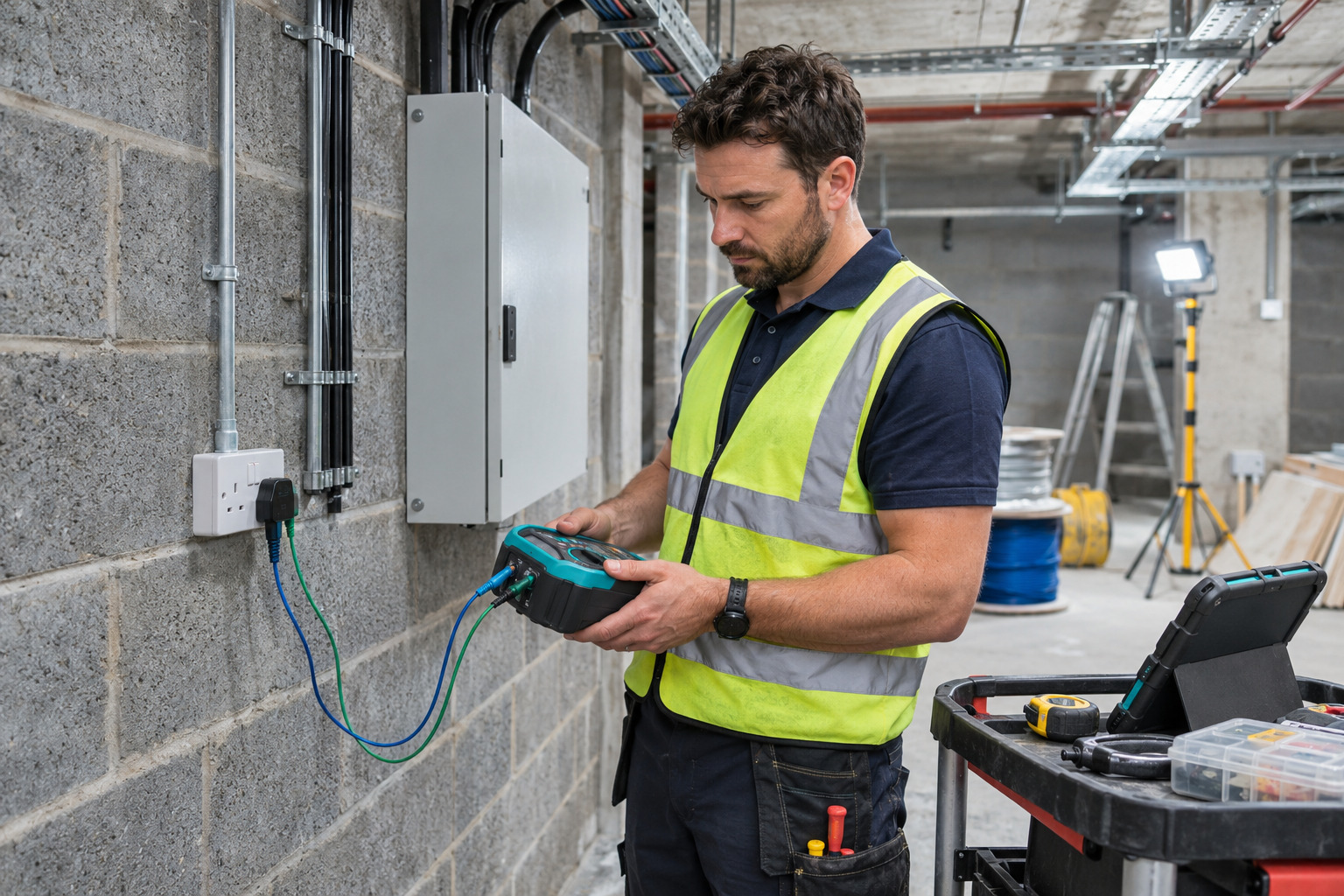 Keep the detail. On site.
OFFLINE ELECTRICAL CERTIFICATE SOFTWARE
A weak connection should not dictate your working day.
Basements, plant rooms and construction sites are not always friendly places for mobile signal or Wi-Fi. When you are carrying out electrical testing, the useful detail is right in front of you: the reading on your tester, the condition of the installation and the photograph that explains an observation.
Certly’s offline working helps you keep recording that information in your certificate, without waiting for an internet connection. Prepare the certificate while you are online, then continue on the same device as you normally would on site. When a connection is available again, tap Save to upload your changes.
It is a practical improvement for electricians, electrical contractors and inspection teams who want less time spent transferring handwritten notes and matching loose photographs to certificates later.
Open online.
Start or open the certificate while connected, on the device you will take on site.
Carry on offline.
Fill in certificate details, record readings and add photos and observations.
Save when connected.
Reconnect and tap Save to upload the changes held on your device.
TEST READINGS
Record the result.
While it is there.
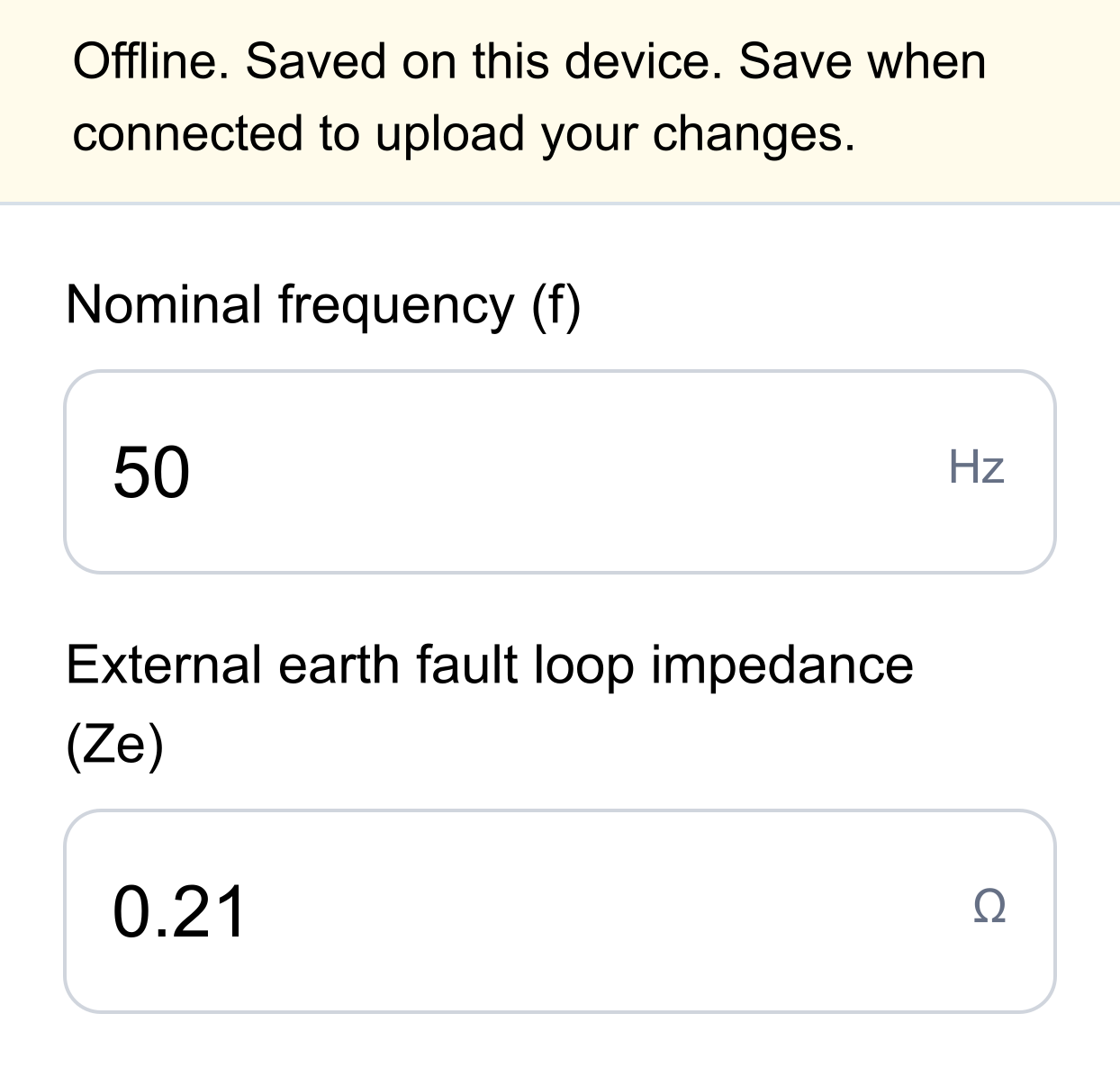
Keep entering your electrical test results and certificate details while you are offline. You can work through the information you need on site without moving to find a connection each time you want to record another reading.
For EICR work, keeping inspection and testing information together makes it easier to return to the report with the detail already recorded. Certly stores your offline changes on the device you are using.
PHOTOS & OBSERVATIONS
Keep the evidence
with the finding.
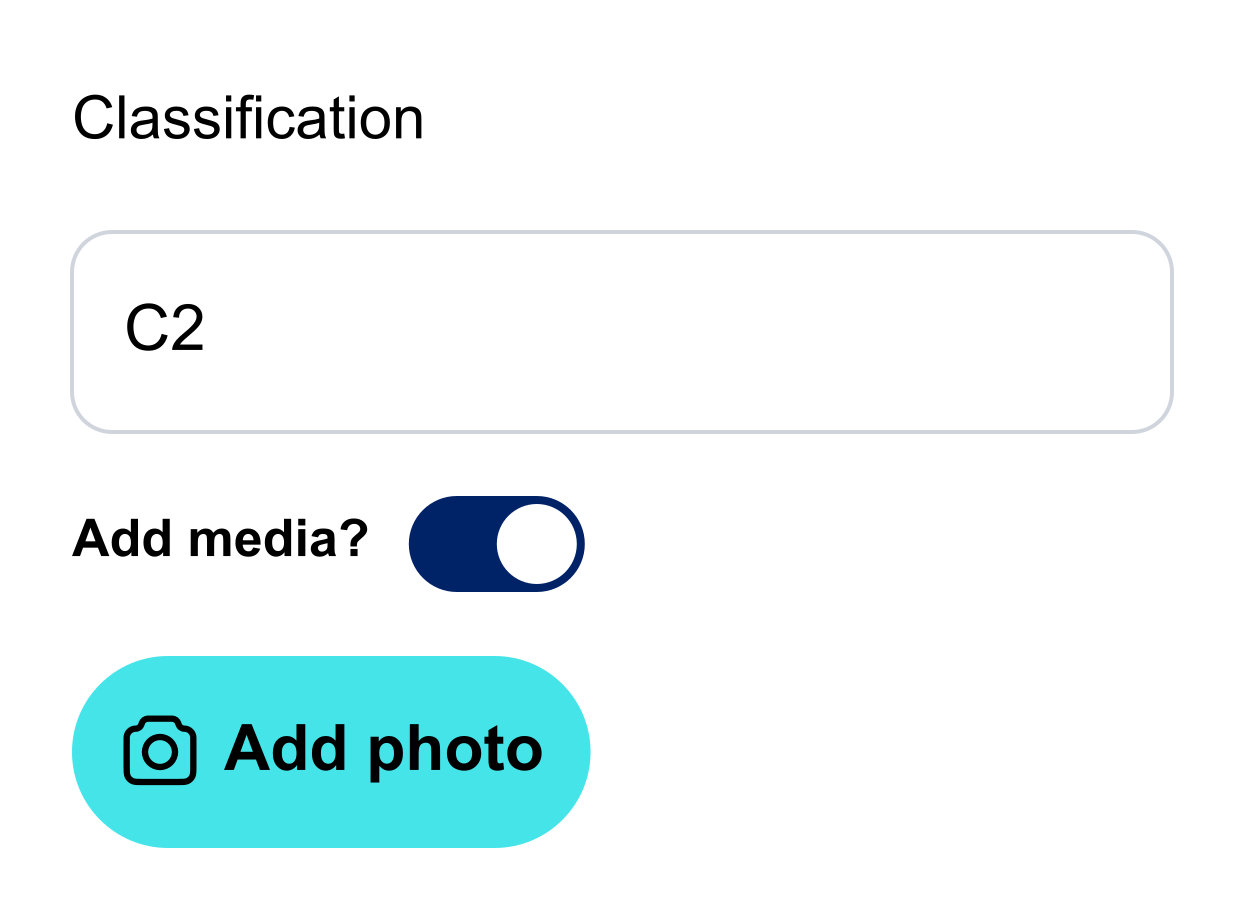
Electrical inspection work often needs more than a number. A photograph can show the condition of an enclosure, a damaged accessory or the detail behind an observation. Add photos and observations while you are offline so the information stays with the certificate you are working on.
Record what you have found while it is fresh. That can reduce the time spent looking through a camera roll, deciphering separate notes or trying to remember which photograph belonged to which finding.
BEFORE YOU GO ON SITE
A little preparation. A smoother visit.
Start or open the certificate while you have an internet connection and use that same device for the offline work. Offline working is for continuing a certificate that has already been opened or started online; it is not a way to sign in for the first time or create an unseen certificate without a connection.
Keep the work on that device until you have reconnected and saved it online. Do not clear the app’s local data or browser storage while it holds changes that have not been uploaded. A second device or another team member will need the uploaded version to see those changes.
Think of offline working as a way to continue the on-site certificate entry. Uploading, generating or sharing the final PDF and the usual online review steps should be completed when you have a connection.
OFFLINE WORKING: YOUR QUESTIONS
What to know before you use it.
Can I fill in an electrical certificate without internet?
Yes. Start or open your certificate in Certly while you are online, then continue filling it in offline on that same device. You can record readings, add observations and attach photos as you go.
Can I add inspection photos while offline?
Yes. Photos added to the certificate or its observations are kept locally with the offline work, ready to upload when you reconnect and save.
Does reconnecting automatically upload everything?
Tap Save when you are connected to upload your changes. The offline status message distinguishes work held on the device from work uploaded to your account.
Can the office see my offline changes straight away?
Whilst you are offline, your changes are saved locally on the device you are using. Once you reconnect and save online, the updated certificate is available immediately at the office.
Where can I get help?
If you are unsure how to prepare a certificate for an offline visit, message the Certly team on WhatsApp or email hello@certly.co.uk. We can help you work through the steps.
NO SIGNAL? NO PROBLEM.
Keep the job moving with Certly.
Less time retyping notes. More of the detail recorded where the work happens.
Open Certly →Explore electrical certificate software