
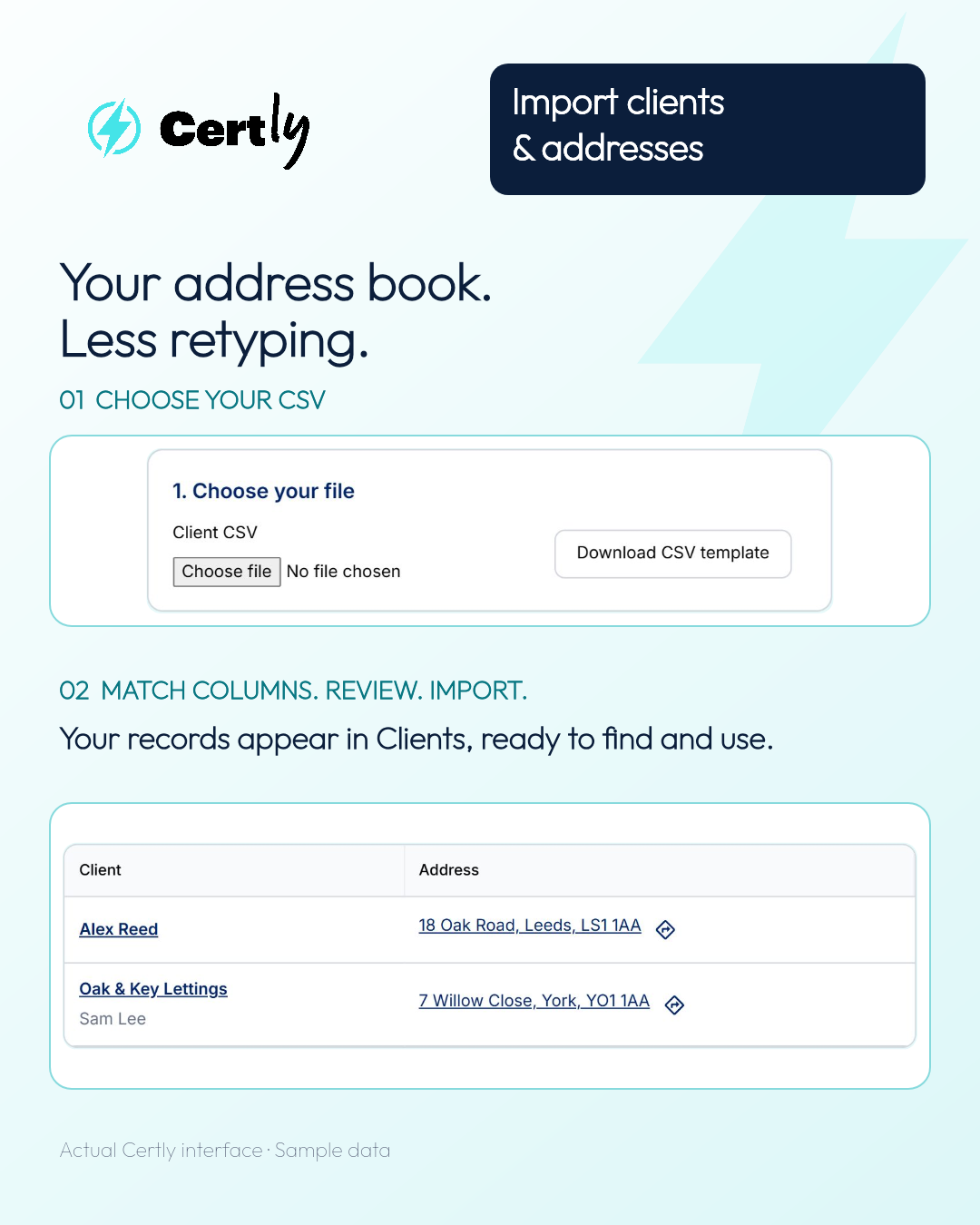
Moving to Certly should not mean typing all your customer details again. With CSV client import, you can bring existing client names, contact details and addresses into Certly from a spreadsheet.
Whether you’re a sole trader, an electrical contractor or part of a larger team, it’s a quicker way to get your client list into your electrical certification software and ready for your next job.
Bring your existing client details into Certly
Already have a list of customers in Excel or another spreadsheet? Save it as a CSV file and use Import clients in Certly.
If you’re moving from another electrical certification app or customer management system, check whether it lets you export your client details as CSV. You can then match the columns to Certly’s fields before importing.
Your list might include private landlords, letting agents, homeowners or commercial customers. Bring their names, contact information and address details across together, rather than copying and pasting each record by hand.
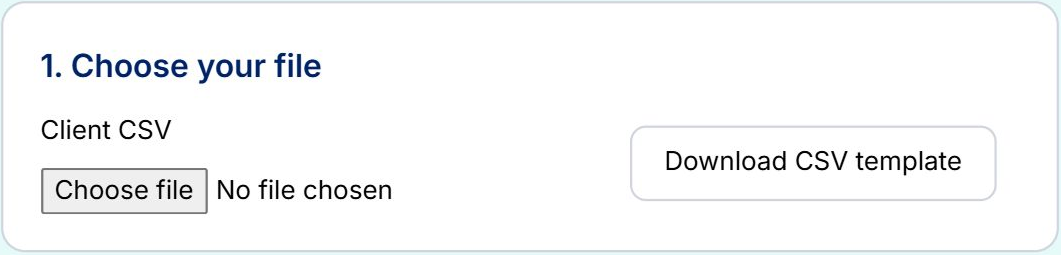
Choose your file
Open Clients → Import clients, then select Choose file. Upload your CSV, or download Certly’s CSV template if you want a starting point.
Match the columns and check your list
Tell Certly which columns contain the client’s name, email, phone number and address. This helps put each detail in the right place.
Preview your client list before importing, so you can see how the details will appear in Certly. Once you’re happy, start the import and let Certly bring your records across.
Your clients and addresses, ready to use
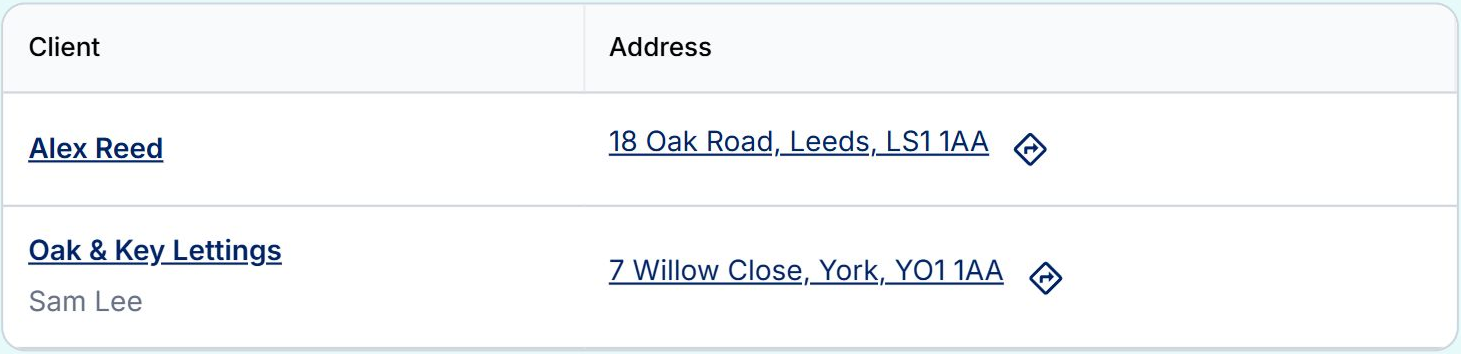
Once the import is complete, open Clients to see the records you’ve brought into Certly. Search for a client and open their record when you need it.
Bring your customer and property address details across together. Keep them organised in Certly, so you can find the right client and address when it’s time to start your next certificate.
How to import clients into Certly
- Open Clients → Import clients.
- Choose your CSV file.
- Match the columns to Certly’s fields.
- Check the preview, then import.
- Open Clients to check your imported records.
Less copying. Less retyping. More time back.
Certly’s CSV import helps electricians move their client database and address book into one place. Spend less time transferring customer details and more time getting on with your electrical certificates.
Open Certly and import your clients →
Need a hand moving your details over? Email team@certly.co.uk and speak to a real person.