
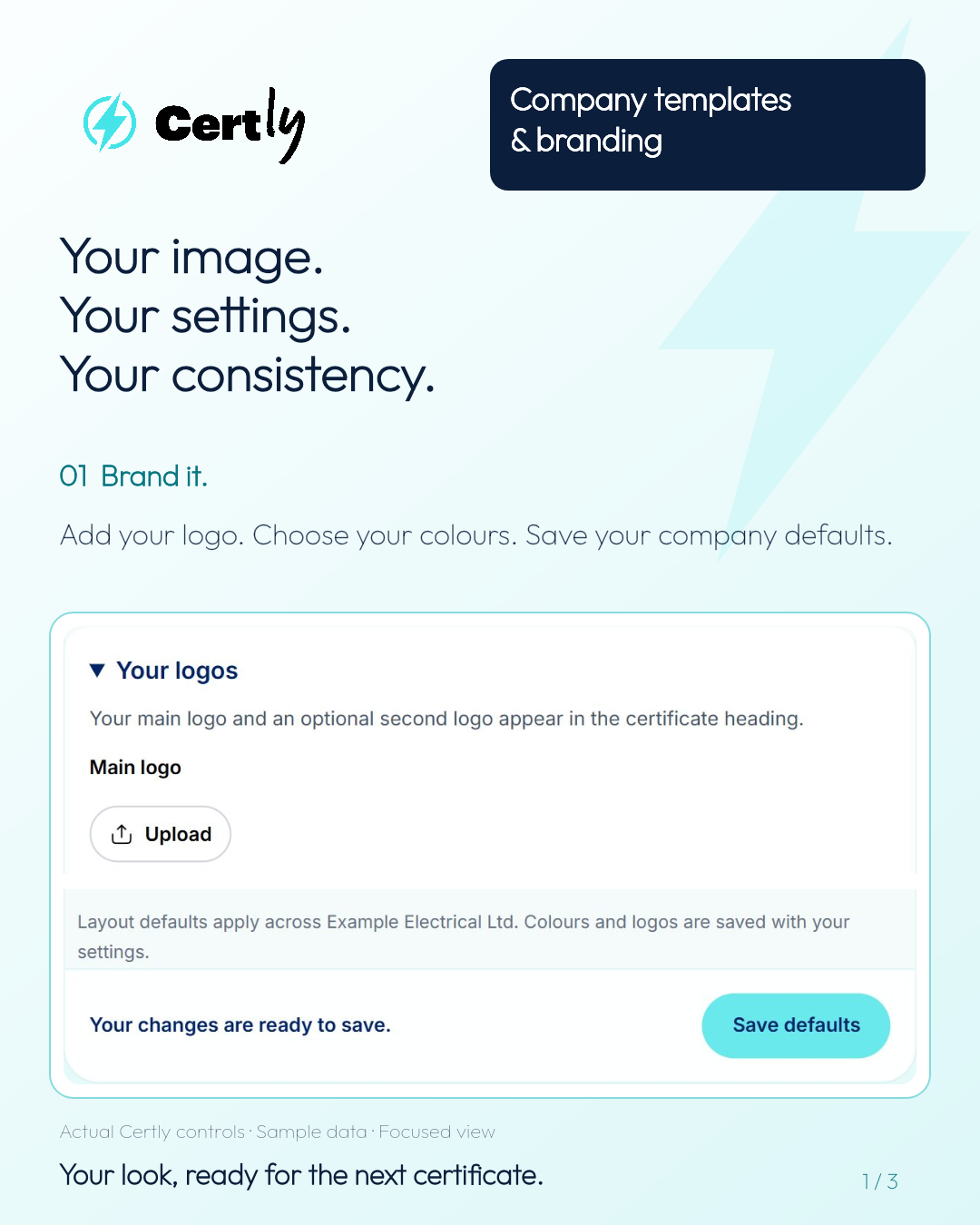
Certly brings electrical certification software, shared certificate templates and company branding into one place. Set up the look of your certificates, share the saved templates your team uses and give colleagues a familiar starting point for their next job.
For electricians and electrical contractors completing EICRs and EICs, the small details soon add up. A saved certificate template keeps the setup you use regularly ready to go. Sharing it with the company means colleagues can use that starting point too.
Your company look, ready for your next electrical certificate
Your certificates are part of the service your customers see. Your logo, colours and certificate layout help make an electrical installation condition report or electrical installation certificate recognisable as your work.
In Certly, you can organise that certificate branding in Settings. The owner’s company layout defaults give the team a consistent design. Bring your preferred look together with the templates your team uses, and each new certificate starts from a more familiar setup.
01 · Brand it.
Set your company look.
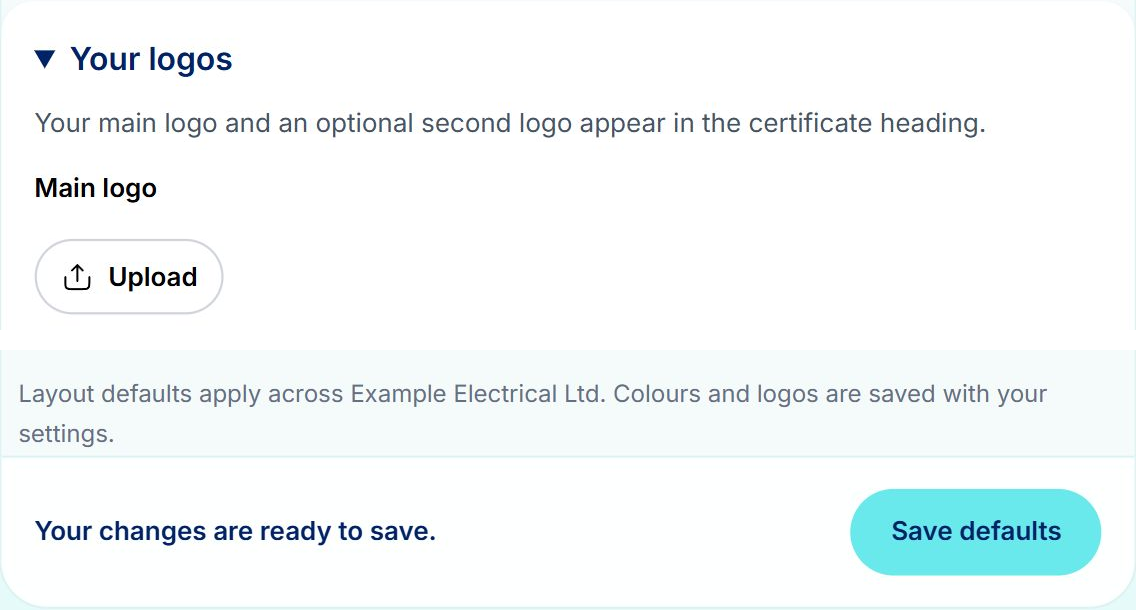
Add your logo, choose your colours and select Save defaults. The owner’s company layout defaults give the team a consistent certificate layout.
Settings → Certificate Settings → Branding
02 · Share it.
Share the setup you use.
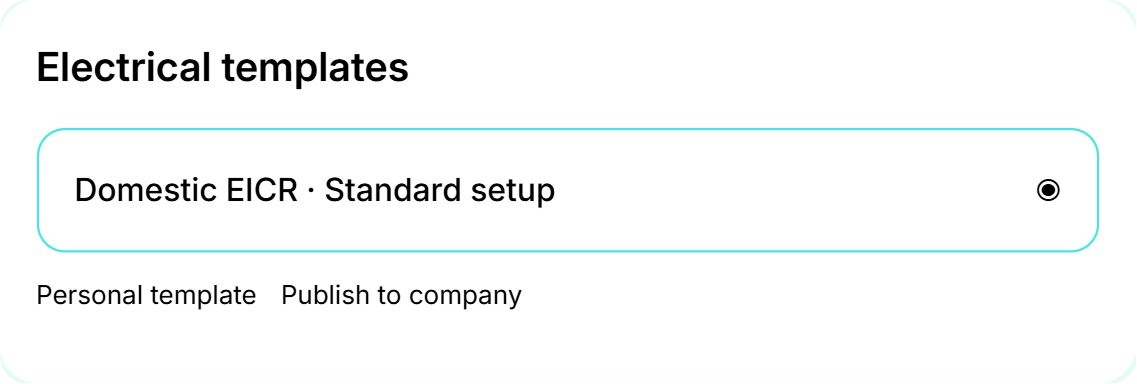
Choose your saved certificate template and select Publish to company. Confirm to make that starting point available to your colleagues.
Templates → your saved template → Publish to company → Confirm
03 · Use it.
Let your team get straight to work.
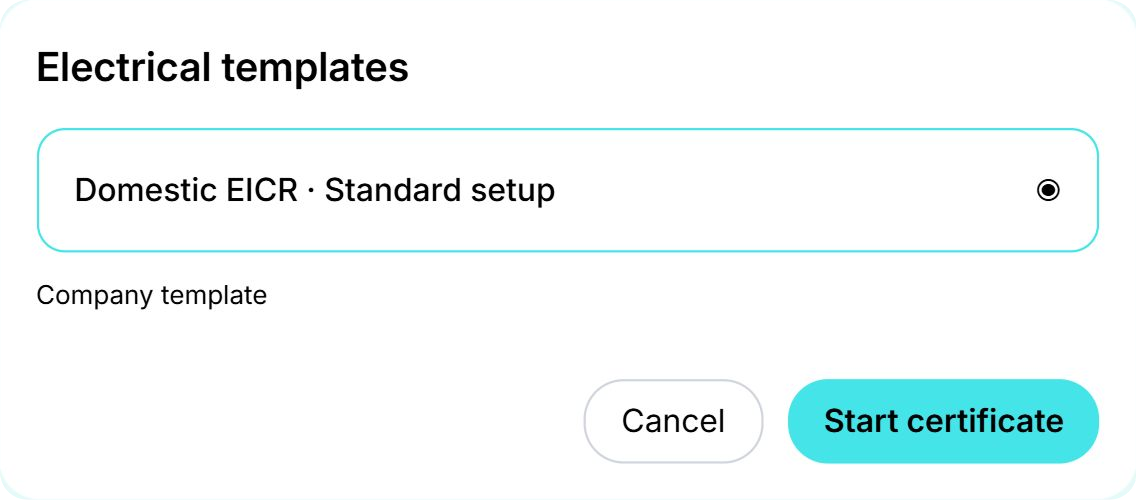
Your colleagues choose Company templates, select the shared setup and click Start certificate. The template’s saved details give them a head start.
Templates → Company templates → choose template → Start certificate
Shared EICR templates for electrical testing teams
If your business regularly carries out electrical inspections, an EICR template gives engineers a saved starting point for their electrical installation condition reports. Prepare the template with the setup you want to reuse, then publish it to the company.
Colleagues can find it under Company templates and start their own certificate from it. That is useful when several electricians are carrying out similar types of inspection: the starting setup is ready, and each engineer can get on with recording the details of their own job.
Electrical installation certificate templates for your regular work
The same approach helps teams preparing EICs. A shared electrical installation certificate template keeps a useful saved setup available to the people completing that work.
Think about the jobs your business does regularly. Give saved templates clear names that your team will recognise, then share the ones they need. A straightforward name makes it easier to pick the right certificate template and start work quickly.
Less repeated setup across your electrical contracting business
Company branding and shared templates do two different jobs. Branding sets the look of the certificate. A template provides the saved starting details. Together, they help your team produce certificates with a consistent appearance and a familiar setup.
For the person organising the business, that means a clear place to manage the layouts and templates the team uses. For the engineer, it means opening Certly, choosing the shared template and getting straight into the certificate.
Whether you are organising a small electrical testing team or several engineers across different jobs, the aim is simple: spend less time repeating the setup and more time completing electrical certificates.
Questions about company branding and shared certificate templates
How do I share an EICR or EIC template with my team?
Open Templates, choose your saved template and select Publish to company. Confirm to share it. Your colleagues can then choose Company templates, select that setup and click Start certificate.
Where do I add my logo and change certificate colours?
Go to Settings, then Certificate Settings and Branding. Add your logo, choose your colours and select Save defaults to keep your certificate design ready to use.
What is the difference between certificate branding and a template?
Branding covers the visual design, including your logo, colours and layout. A certificate template is the saved setup you start a new certificate from. Certly lets you bring both into your team’s workflow.
Make Certly work the way your team works
We are constantly developing Certly around the way electricians and electrical contractors work. Shared certificate templates and company layout defaults are part of making electrical certification quicker to organise and simpler to complete.
Open Certly and set up your company branding and templates →
Want a hand setting things up? Email team@certly.co.uk and speak to a real person.